GTA IV FusionFix for GTA 4: The HelixPedia Review
STATUS: ✅ VERIFIED & ESSENTIAL
PERFORMANCE: Light / Optimization-Focused
COMPATIBILITY: Complete Edition (v1.2.0.x) & EFLC
⚡ HelixPedia Rating & Impressions
- Fun Meter: 🔥🔥🔥🔥🔥 (5/5) – Not a content mod, but makes playing the game actually fun by removing 15 years of technical frustration.
- Educational Value: 🎓🎓🎓🎓 (4/5) – A masterclass in how community-driven reverse engineering can outperform official patches.
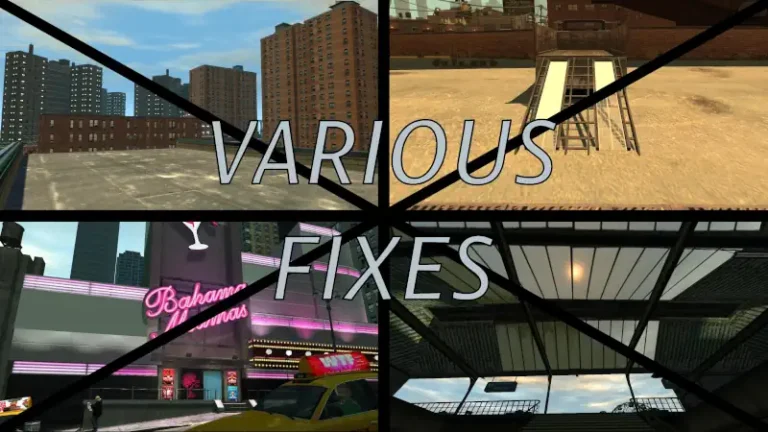
- Dev-Craft: 🛠️🛠️🛠️🛠️🛠️ (5/5) – Extremely clean code; fixes shader bugs, shadow flickering, and broken physics in one go.
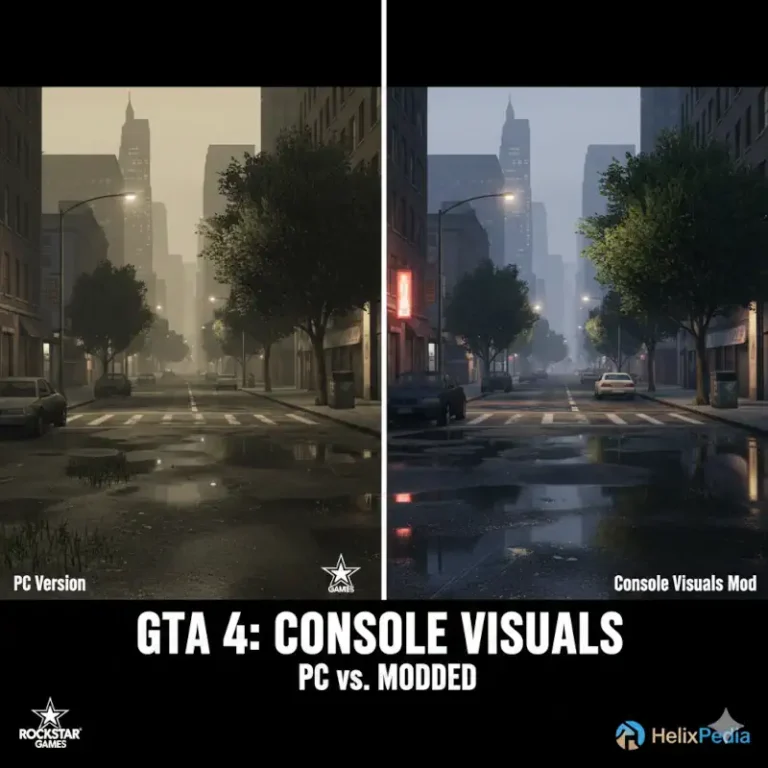
- Lore-Friendliness: 🎭🎭🎭🎭🎭 (5/5) – Restores console-exclusive effects (PS3/Xbox 360) that were missing from the PC port for over a decade.
- Nostalgia Kick: 🕹️🕹️🕹️🕹️🕹️ (5/5) – Finally allows the game to look and feel as cinematic as it did in the original trailers.
📝 FusionFix Review: Why We Picked It
If you are playing Grand Theft Auto IV in the modern era, FusionFix isn’t just a recommendation—it is a mandatory requirement. For years, the PC port of GTA IV was notoriously broken, suffering from missing shader effects, botched shadows, and a “Complete Edition” update that broke more than it fixed. FusionFix is the surgical correction the game deserved. It acts as a bridge, bringing back the high-quality bloom and depth-of-field effects from the console versions while introducing modern quality-of-life improvements that Rockstar overlooked.
What makes FusionFix the “soul” of the HelixPedia modlist is its focus on preservation. It fixes the infamous “handshake” bug in the intro, restores the correct sniper scope behavior, and provides a fix for the high-FPS physics bugs that used to make the final mission impossible to complete. It doesn’t change what GTA IV is; it reveals what it was always meant to be.
Technically, this is the cleanest mod in the scene. It utilizes a custom .asi loader to inject fixes directly into the game’s memory, ensuring that it remains lightweight. It also introduces a “Definition” setting in the menu, allowing players to toggle between the original gritty look and a sharper, modern presentation. For anyone tired of the stuttering and flickering shadows that have plagued Liberty City for years, FusionFix is the definitive cure.
🎯 Target Audience
- Play this if: You are playing on the Steam/Rockstar Launcher version, you have shadow flickering issues, or you want the best possible vanilla experience.
- Similar to: SkyGFX (for San Andreas), SilentPatch.
- Featured on: DayL’s Natural Timecycle
🛠️ How to Install FusionFix Guide
- Download: Grab the latest release from the official primary or mirror source.
- Installation: Drag and drop the contents of the zip file into your main GTA IV installation folder (where
GTAIV.exeis located). - Configure: Launch the game and head to the “Display” and “Graphics” menus—you will notice new options like “Console Gamma,” “Handbrake Cam,” and “Depth of Field” toggles.
- Friction Rating: Easy.
📦 Claim Your Mod
To download FusionFix for GTA 4: CE & EFLC, use the links below:
- Primary Source: GitHub
- Official Mirror: FusionFix.io
DOWNLOAD FUSION FIX FOR GTA 4: CE & EFLC NOW
- HelixPedia Pro-Tip: FusionFix includes a built-in “Frame Limiter.” If you are experiencing weird car physics or cutscene glitches, set the limit to 60 FPS within the game’s display menu. Even though modern PCs can run this at 200+, the RAGE engine’s internal logic is happiest at 60.