Project 2DFX for GTA 4: The HelixPedia Review
STATUS: ✅ VERIFIED & STABLE (Included in FusionFix)
PERFORMANCE: Light
COMPATIBILITY: Complete Edition / 1.0.8.0 / 1.0.7.0
⚡ HelixPedia Rating & Impressions
- Fun Meter: 🔥🔥🔥🔥🔥 (5/5) – Night flights over Liberty City are finally breathtaking.
- Educational Value: 🎓🎓 (2/5) – Highlights how clever LOD management changes world-feel.
- Dev-Craft: 🛠️🛠️🛠️🛠️🛠️ (5/5) – Masterfully optimized; integrated directly into the FusionFix menu.
- Lore-Friendliness: 🎭🎭🎭🎭🎭 (5/5) – Enhances the urban atmosphere without breaking the 2008 vibe.
- Nostalgia Kick: 🕹️🕹️🕹️🕹️🕹️ (5/5) – Removes the “black void” horizon from the original PC port.
📝 Project 2DFX Review: Why We Picked It
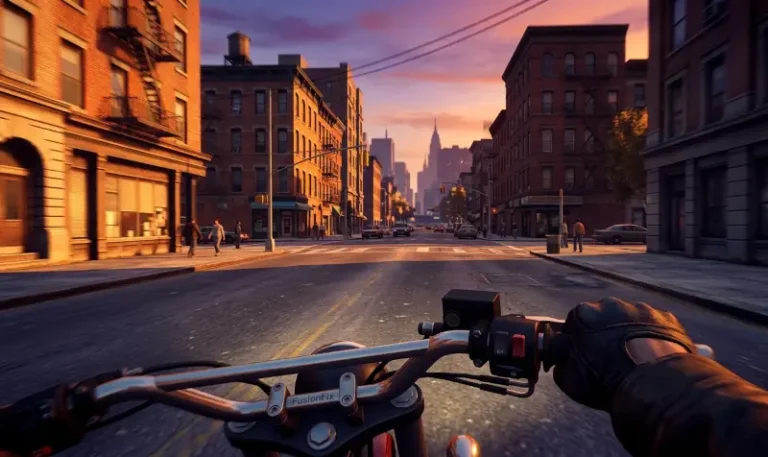
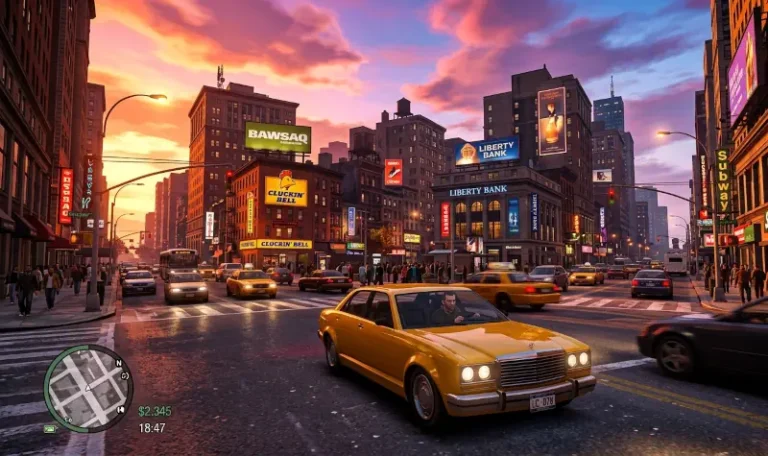
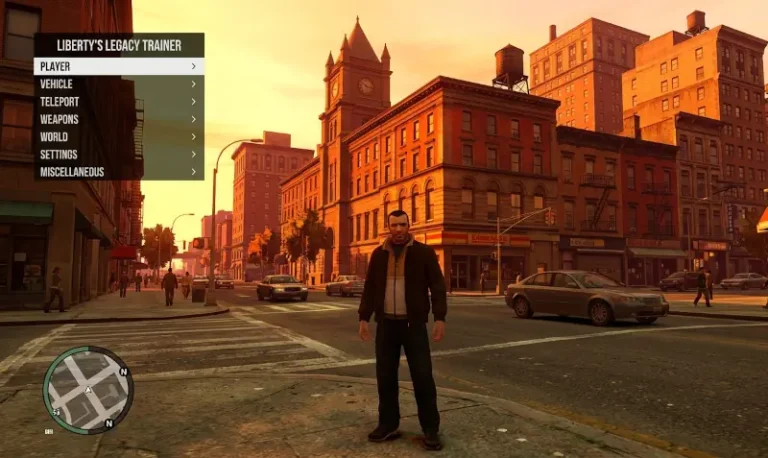
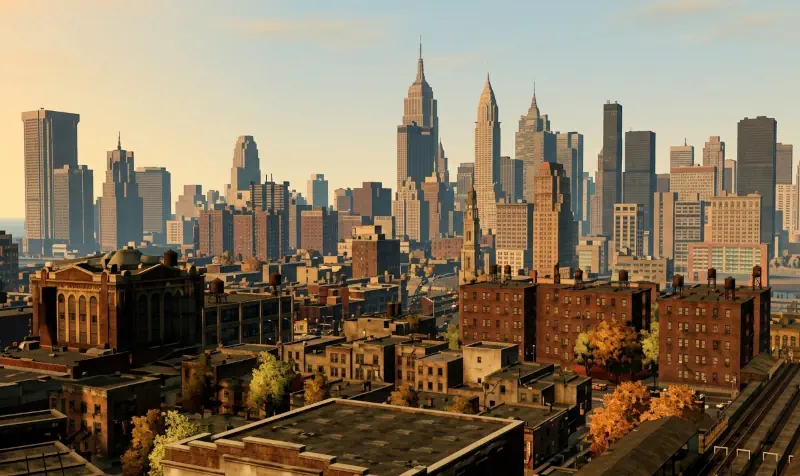
Project 2DFX is a technical marvel that addresses one of the most glaring visual shortcomings of the GTA IV PC port: the limited draw distance for lights. In the vanilla game, Liberty City often feels like it’s shrouded in a localized bubble of illumination; look too far into the distance, and the city lights simply vanish into a muddy, dark horizon. Project 2DFX fundamentally changes this by adding high-fidelity LOD (Level of Detail) corona effects to the entire game map.
What makes this mod a “HelixPedia Essential” is its seamless integration into the modern modding ecosystem. While it was once a standalone plugin, it has now been officially incorporated into FusionFix. This means you no longer have to juggle multiple .asi files or manually edit .ini settings in a text editor to see the results. Once active, the night-time skyline of Liberty City transforms into a glittering metropolis, with streetlamps, traffic signals, and building lights visible from across the water in Alderney all the way to Broker.
The performance cost is virtually imperceptible on modern hardware, yet the impact on immersion is profound. By extending the light draw distance, the city feels significantly more “alive” and populated. It removes that artificial technical ceiling, allowing the engine to showcase the true scale of Rockstar’s world design. Whether you’re racing across the Algonquin bridge or taking a Maverick for a spin at midnight, the visual depth provided by 2DFX makes it impossible to go back to the vanilla lighting system.
🎯 Target Audience
- Play this if: You want a vibrant, twinkling night-time skyline and hate seeing lights “pop-in” as you drive.
- Similar to: LOD Veggie Fix, High Quality Lights.
- Featured on: GTA 4 & EFLC: Top 15 Best Mods Essential Modding Tools & Must-Have Technical Fixes, tagged as recommended.
🛠️ How to Install Project 2DFX Guide
- The Modern Method: Download and install FusionFix. Project 2DFX is now baked directly into this suite.
- Activation: Launch the game and navigate to the Pause Menu > Options > Display.
- Configuration: Look for the “Project 2DFX” toggle or “Distant Lights” settings. You can adjust the intensity and distance of the coronas directly from this menu.
- Friction Rating: Easy (Automatic via FusionFix).
📦 Claim Your Mod
To download Project 2DFX (via FusionFix), use the links below:
- Primary Source: FusionFix Official Site
- Official Mirror: GitHub (ThirteenAG)
- HelixPedia Pro-Tip: If you feel the lights are a bit too “bloomy” or large, check the
FusionFix.inifile in your plugins folder. You can fine-tune theSizeMultiplierfor the 2DFX coronas to get that perfect, crisp urban look.