Gameconfig (Limit Adjuster) for GTA V: The HelixPedia Review
STATUS: ✅ VERIFIED & STABLE
PERFORMANCE: Regular
COMPATIBILITY: v1.0.3351.0 (Latest)
⚡ HelixPedia Rating & Impressions
- Fun Meter: 🔥🔥🔥🔥🔥 (5/5) – The “unlimited” key that finally lets you install 300+ cars without the dreaded desktop crash.
- Educational Value: 🎓🎓 (2/5) – Primarily a configuration swap, though it highlights the importance of heap allocation in the RAGE engine.
- Dev-Craft: 🛠️🛠️🛠️🛠️ (4/5) – Meticulously tuned XML variables that balance memory limits with engine stability.
- Lore-Friendliness: 🎭🎭🎭🎭🎭 (5/5) – Invisible in-game; it simply provides the structural integrity needed for your custom world.
- Nostalgia Kick: 🕹️🕹️ (2/5) – A modern necessity rather than a trip down memory lane.
📝 Gameconfig (Limit Adjuster) Review: Why We Picked It
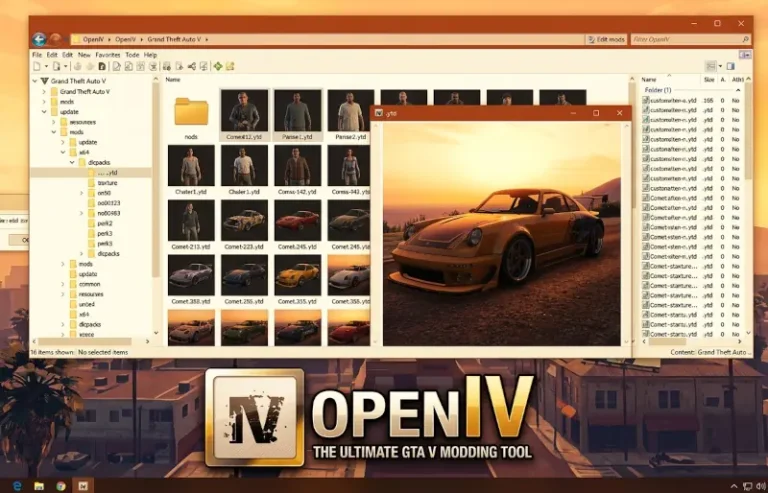
If OpenIV is the surgeon’s scalpel, the Gameconfig (Limit Adjuster) is the foundation of the hospital itself. Every veteran GTA 5 modder has encountered the “Infinite Loading Screen” or the abrupt crash during the splash screen after adding just one too many Add-On vehicles. This occurs because the vanilla game configuration has hard-coded limits on how many sub-classes and assets can be loaded simultaneously. This mod is the definitive solution, rewriting those boundaries to accommodate massive modlists.
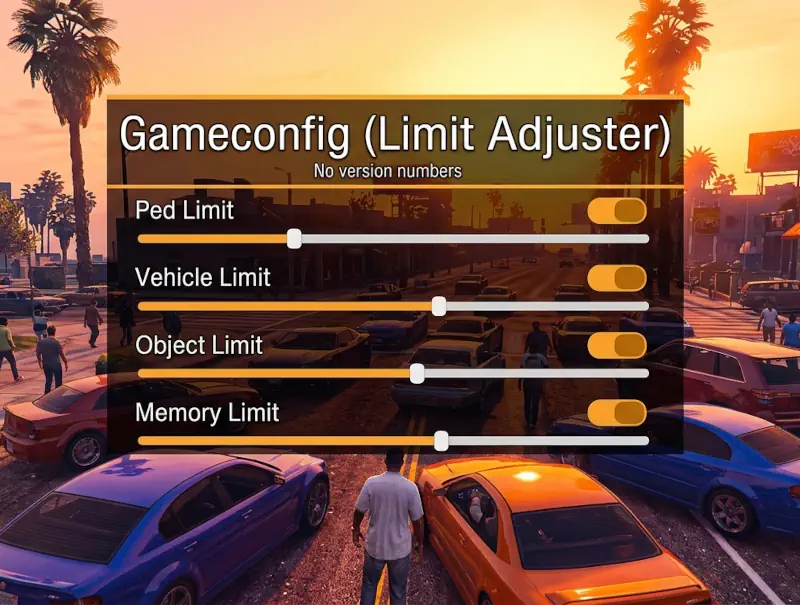
What sets this specific “300 Cars” variant apart is its granular approach to stability. Rather than just maxing out every variable—which can lead to memory leaks—the author has balanced the pool sizes for vehicles, pedestrians, and map objects. It acts as a performance stabilizer, ensuring that the engine doesn’t choke when trying to render high-polygon custom models that Rockstar never intended to be in the game. It is a “Regular” performance impact mod because while the file itself is tiny, the content it enables will put your GPU to the test.
We selected this mod because it is the most frequently updated and reliable version on the market. It is the “soul” of the heavy-modding community; without it, the high-end car packs and total conversion mods would be unplayable. It is a silent workhorse that turns a fragile game build into a robust platform for digital creativity.
🎯 Target Audience
- Play this if: You are installing multiple Add-On vehicle packs or high-density population mods.
- Similar to: HeapAdjuster, Packfile Limit Adjuster.
- Featured on: The Ultimate GTA 5 Guide: Best Mods, Must-Have Tools & Essential Fixes, tagged as essential.
🛠️ How to Install Gameconfig (Limit Adjuster) Guide
- Locate the Path: Open OpenIV and navigate to
mods > update > update.rpf > common > data. - Select Your Version: Inside the downloaded archive, choose a folder based on your needs (e.g., “Gta Config v3351” -> “1.5x Traffic” or “Stock Traffic”).
- Replace and Rebuild: Drag the
gameconfig.xmlinto OpenIV. Ensure you have HeapAdjuster and Packfile Limit Adjuster installed in your main directory for full compatibility.
- Friction Rating: Mid (Requires matching game versions).
📦 Claim Your Mod
To download Gameconfig (Limit Adjuster), use the links below:
- Primary Source: GTA5-Mods
- Official Mirror: N/A
- HelixPedia Pro-Tip: Always match your game version exactly. If Rockstar releases a “Tuners” or “Contract” style update, your game will crash if you use an outdated Gameconfig. Keep this link bookmarked; it is usually updated within 48 hours of any official patch.