Manual Transmission for GTA V: The HelixPedia Review
STATUS: ✅ VERIFIED & STABLE
PERFORMANCE: Light (Script-based)
COMPATIBILITY: v1.0.3095.0 to Latest (2026 Enhanced Build Compatible)
⚡ HelixPedia Rating & Impressions
- Fun Meter: 🔥🔥🔥🔥🔥 (5/5) – Changes the game from a crime sim to a genuine driving sim.
- Educational Value: 🎓🎓🎓 (3/5) – Teaches the nuances of RPM management and clutch bite points.
- Dev-Craft: 🛠️🛠️🛠️🛠️🛠️ (5/5) – Master-class coding with DirectInput and custom Force Feedback.
- Lore-Friendliness: 🎭🎭🎭🎭🎭 (5/5) – Completely transparent; it simply adds the missing mechanical depth.
- Nostalgia Kick: 🕹️ (1/5) – This is strictly forward-looking “Next-Gen” tech for the PC platform.
📝 Manual Transmission Review: Why We Picked It
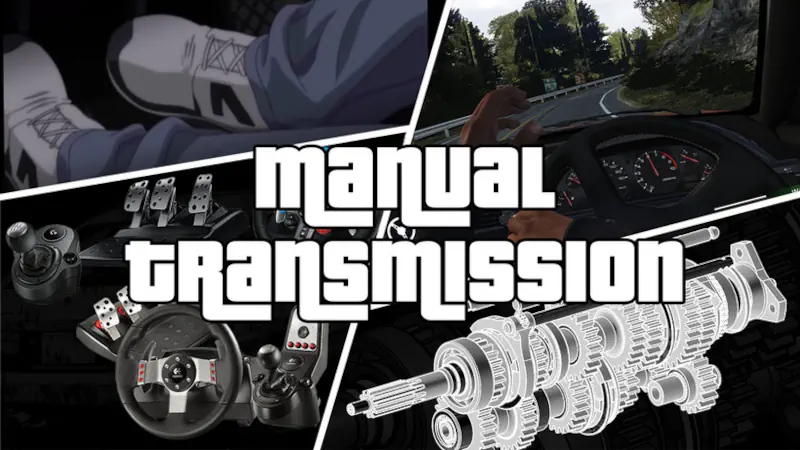
For the automotive purist, GTA 5’s default “one-button-goes” driving logic is a missed opportunity. Manual Transmission & Steering Wheel Support (by ikt32) is the definitive solution that bridges the gap between San Andreas and Assetto Corsa. This isn’t a cosmetic addition; it’s a total override of the game’s drivetrain logic. It introduces a working clutch, H-pattern and sequential shifting modes, and—most importantly—engine stalling and damage for missed shifts.
The “soul” of this mod lies in its tactile feedback. If you are playing with a steering wheel, the mod bypasses the game’s standard XInput limitations to provide raw DirectInput interfacing. This means genuine Force Feedback (FFB) calculated from scratch, allowing you to feel the weight of the car, the loss of traction, and the vibration of the engine through your peripheral. Even for controller users, the added layer of managing gears makes high-speed getaways a test of skill rather than just holding down a trigger.
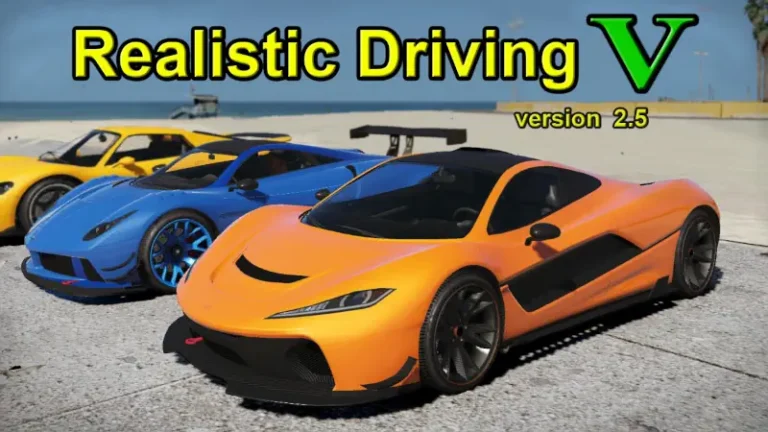
In the 2026 landscape, the mod has evolved to support “GTA V Enhanced” features, including synchronized steering animations where your character’s hands perfectly match your real-world wheel rotation. It is remarkably lightweight on the CPU, operating as a clean .asi script that works seamlessly alongside heavy hitters like Realistic Driving V or World of Variety. It is, quite simply, the most essential script for any player who views Los Santos as a driving playground first and a sandbox second.
🎯 Target Audience
- Play this if: You own a Logitech, Thrustmaster, or Fanatec wheel and want it to actually work, or if you find automatic shifting boring.
- Similar to: LeFix Speedometer (for RPM/Gear UI), Manual Transmission [.Net] (though less advanced), Realistic Driving V.
- Featured on: The Ultimate GTA 5 Guide: Best Mods, Must-Have Tools & Essential Fixes, tagged as recommended.
🛠️ How to Install Manual Transmission Guide
- Root Directory Placement: Download the latest release from GitHub. Extract the
Gears.asifile and theManualTransmissionfolder directly into your main GTA 5 directory (whereGTA5.exeis located). - Setup Tools: Run the included
WheelSetup.exewhile your wheel is plugged in to map your axes and buttons before launching the game. - Menu Access: Once in-game, press [{ (on US keyboards) or use the cheat
mtmenuto open the configuration overlay and enable the transmission.
- Friction Rating: Mid (Initial wheel calibration takes 10–15 minutes).
📦 Claim Your Mod
To download Manual Transmission, use the links below:
- Primary Source: GitHub Releases (Latest Builds)
- Official Mirror: Patreon (Early Access & Beta)
DOWNLOAD MANUAL TRANSMISSION NOW
- HelixPedia Pro-Tip: If your wheel feels “jumpy” or oscillates, use the LUT Generator tool. This creates a Look-Up Table that linearizes your wheel’s motor response, eliminating the deadzone and making the Force Feedback feel professional-grade.