Fastman92 Limit Adjuster for GTA San Andreas Classic: The HelixPedia Review
STATUS: ✅ VERIFIED & STABLE
PERFORMANCE: Regular
COMPATIBILITY: GTA SA v1.0, v1.1, Steam, and Mobile
⚡ HelixPedia Rating & Impressions
- Fun Meter: 🔥🔥🔥🔥 (4/5) – It doesn’t add content, but it unlocks the door to every massive mod in existence.
- Educational Value: 🎓🎓🎓🎓🎓 (5/5) – The .ini file is essentially an encyclopedia of the RenderWare engine’s architecture.
- Dev-Craft: 🛠️🛠️🛠️🛠️🛠️ (5/5) – A masterpiece of reverse engineering that supports more versions than any other tool.
- Lore-Friendliness: 🎭 (1/5) – Invisible to the player, vital for the engine.
- Nostalgia Kick: 🕹️🕹️🕹️ (3/5) – Feels like the “Hard Mode” of modding setups from the golden era.
📝 Fastman92 Limit Adjuster Review: Why We Picked It
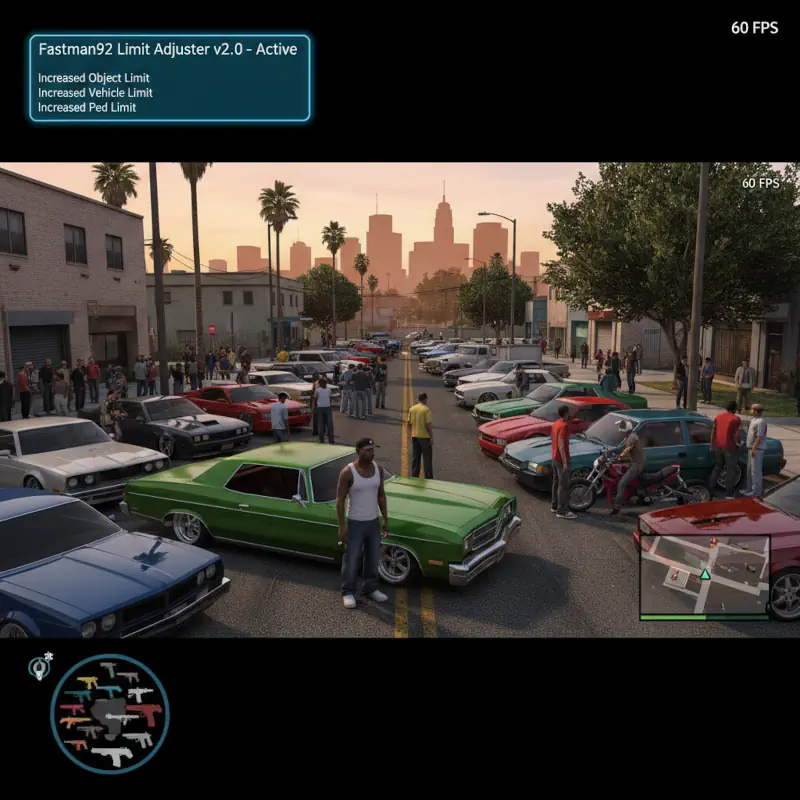
While most limit adjusters are scalpels, fastman92’s Limit Adjuster (FLA) is a complete structural overhaul. If the Open Limit Adjuster is for the casual enhancer, FLA is for the architect. It is widely considered the most powerful and comprehensive limit adjuster ever created for the 3D-era GTA titles. Its primary claim to fame is the ability to add entirely new IDs to the game—meaning you aren’t just replacing a car or a pedestrian; you are adding a 213th, 300th, or 500th unique slot that didn’t exist in 2004.
The “soul” of this mod lies in its sheer ambition. It addresses limits that most players don’t even know exist, such as the number of weather types, the size of the shopping list, and the complexity of the pathfinding nodes. For total conversion mods like GTA Underground or massive map expansions, FLA isn’t just recommended; it is a hard requirement. It is the only tool that reliably allows for a complete expansion of the game’s internal databases without causing immediate memory corruption.
However, with great power comes a significant “Friction Rating.” The configuration file is massive and requires a careful hand. Unlike simpler tools, FLA requires you to be specific about what you are expanding. It is a professional-grade tool for the modder who refuses to be told “no” by an engine built for the PlayStation 2. We chose it for HelixPedia because it represents the absolute peak of technical freedom in the San Andreas modding community.
🎯 Target Audience
- Play this if: You are installing “Added” (not replaced) vehicles, massive map expansions, or total conversion mods that exceed the standard ID limits.
- Similar to: Open Limit Adjuster, Project 2DFX (often used together).
- This mod is part of the best essential modding tools and must-have fixes for GTA SA Classic, tagged as essential.
🛠️ How to Install fastman92 Limit Adjuster Guide
- Download the archive and move the
fastman92_limit_adjuster.asiandfastman92_limit_adjuster.inito your root directory. - CRITICAL: Open the
.inifile. You must manually enable certain limits by changing0to1or increasing the values based on your specific mod requirements. - Ensure you are using an ASI Loader (Silent’s ASI Loader is recommended for maximum compatibility), and your game version is 1.0 (US/EU).
- Friction Rating: Complex.
📦 Claim Your Mod
To download fastman92 Limit Adjuster, use the links below:
- Primary Source: MixMods
- Official Mirror: Fastman92 Official Site
DOWNLOAD FASTMAN92 LIMIT ADJUSTER NOW
- HelixPedia Pro-Tip: FLA includes a built-in “Special Extended Car Color” limit. If you use mods that add more than the standard 128 colors to
carcols.dat, you must enable this specific section in the FLA.inior the game will crash during car spawning.