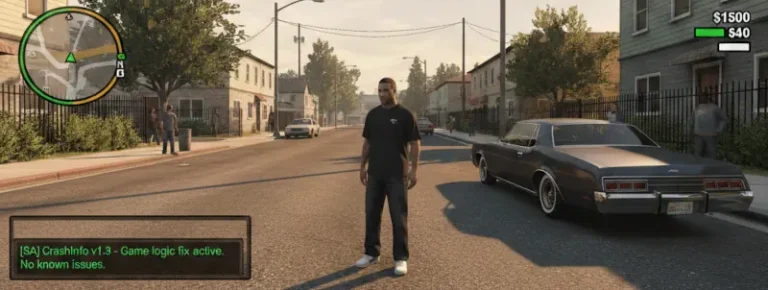
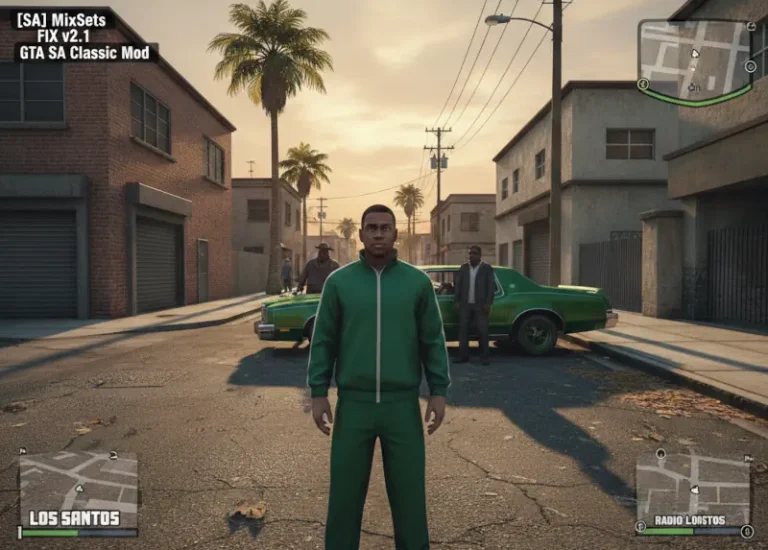
ModLoader for GTA San Andreas Classic: The HelixPedia Review
STATUS: ✅ VERIFIED & STABLE
PERFORMANCE: Light
COMPATIBILITY: GTA SA 1.0 (US/EU)
⚡ HelixPedia Rating & Impressions
- Fun Meter: 🔥🔥🔥🔥🔥 (5/5) – Absolute freedom to test mods without the fear of a permanent reinstall.
- Educational Value: 🎓🎓🎓🎓 (4/5) – Teaches you exactly how the game handles file overrides and directory structures.
- Dev-Craft: 🛠️🛠️🛠️🛠️🛠️ (5/5) – Elegant C++ injection that leaves the base directory pristine; peak efficiency.
- Lore-Friendliness: 🎭 (1/5) – It’s a technical framework, so lore isn’t applicable—it’s the stage, not the play.
- Nostalgia Kick: 🕹️🕹️🕹️🕹️🕹️ (5/5) – Reliving the 2013-2014 modding golden age when this tool changed everything.
📝 ModLoader Review: Why We Picked It
In the ancient days of San Andreas modding, a single mistake meant a total reinstall of your 4GB game directory. ModLoader, developed by the legendary LINK2012, is the bridge between that archaic era and modern convenience. It operates on a simple, brilliant premise: instead of overwriting internal game archives (like gta3.img), it “tricks” the engine into reading your modded files from a separate folder at runtime. This isn’t just a utility; it’s the very foundation of the modern GTA modding scene.
The “soul” of ModLoader lies in its non-destructive nature. It’s an ASI plugin that grants the user a safety net. You can drag and drop a high-poly Infernus model into a subfolder, and if the game crashes, you simply delete that folder. No registries harmed, no .IMG files corrupted. For anyone serious about maintaining a stable “Classic” build, ModLoader is the first thing you install after your 1.0 downgrade.
What makes this mod a HelixPedia staple is the “Hot Swap” capability. Being able to toggle mods via the in-game menu or by simply moving files while the game is running is a technical feat that still feels like magic in a game engine from 2004. It’s clean, it’s light on resources, and it respects the player’s time.
We picked ModLoader because it represents the “Dev-Craft” philosophy perfectly: solve a complex problem with a lightweight, invisible solution that enhances the user experience without demanding extra hardware.
🎯 Target Audience
- Play this if: You plan on installing more than one mod and value your sanity and game stability.
- Similar to: OpenIV (for GTA V), Vortex/MO2 (for Bethesda games).
- Featured on: The Ultimate GTA San Andreas Classic Guide: Best Mods, Must-Have Tools & Essential Fixes, tagged as essential.
🛠️ How to Install ModLoader Guide
- Prerequisite: Ensure your game is downgraded to v1.0 and you have an ASI Loader (like Silent’s ASI Loader) installed.
- Download: Extract the
modloader.asifile and themodloaderfolder into your main GTA San Andreas directory. - Usage: Create a new folder inside the
modloaderdirectory (e.g.,modloader/MyNewCar/) and place your mod files there.
- Friction Rating: Easy.
📦 Claim Your Mod
To download ModLoader, use the links below:
- HelixPedia Pro-Tip: You can assign priorities to mods by creating a
modloader.inifile or using the in-game menu. If two mods replace the same file, the one with the higher priority number wins—essential for resolving conflicts in heavy load orders.
Image: Google Gemini for HelixPedia.com