Open Limit Adjuster for GTA San Andreas Classic: The HelixPedia Review
STATUS: ✅ VERIFIED & STABLE
PERFORMANCE: Light
COMPATIBILITY: GTA SA v1.0 (Essential for modded builds)
⚡ HelixPedia Rating & Impressions
- Fun Meter: 🔥🔥🔥🔥 (4/5) – Not a “content” mod, but seeing your game stop crashing is a joy of its own.
- Educational Value: 🎓🎓🎓🎓 (4/5) – Teaches you exactly how the RenderWare engine’s limits work under the hood.
- Dev-Craft: 🛠️🛠️🛠️🛠️🛠️ (5/5) – Clean, open-source, and arguably more stable than its bulkier competitors.
- Lore-Friendliness: 🎭 (1/5) – Purely technical; it changes nothing about the lore, only the engine’s capability.
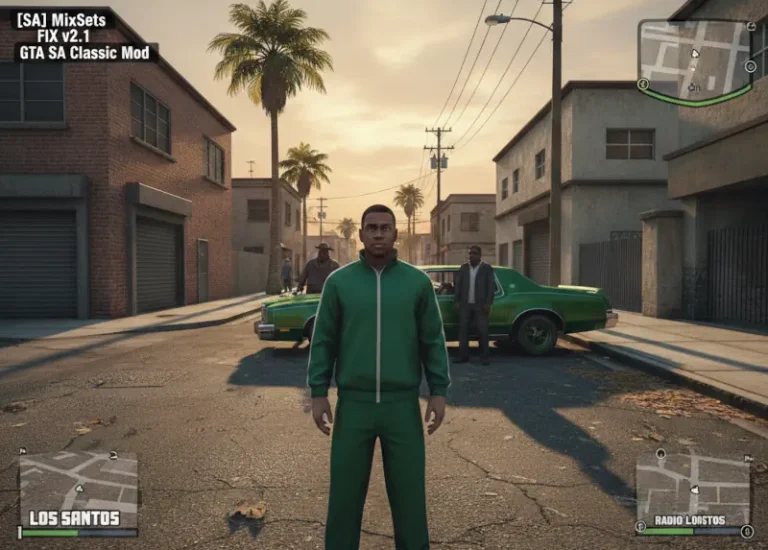
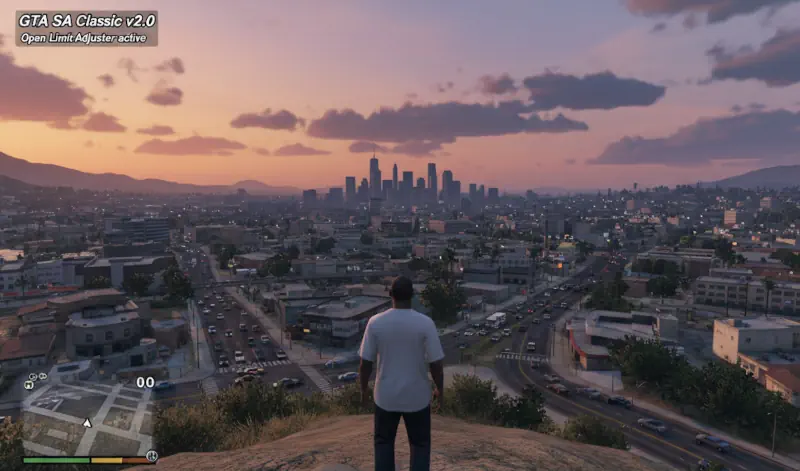
- Nostalgia Kick: 🕹️🕹️🕹️🕹️ (4/5) – Enables those massive 2005-era map mods to run without flickering.
📝 Open Limit Adjuster Review: Why We Picked It
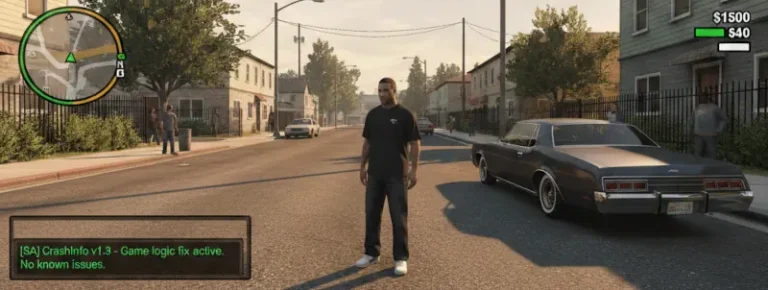
The Grand Theft Auto: San Andreas engine is a relic of 2004 architecture, plagued by hard-coded limits that modern hardware finds laughable. If you’ve ever seen your world flicker or experienced a “0x00533386” crash after installing a few HD cars, you’ve hit the ceiling. Open Limit Adjuster (OLA) is the surgical tool designed to tear that ceiling down. Unlike other heavy-duty adjusters that try to rewrite the game’s DNA, OLA focuses on being a “limit purger.” It doesn’t just increase the numbers; it aims to make them dynamic, essentially telling the engine to use whatever RAM your PC actually has.
What makes OLA the “Helix Choice” is its transparency. It’s open-source and remarkably lightweight. While it lacks some of the hyper-specific features of fastman92’s alternative (like adding new ID entries for thousands of added cars), it wins on stability and ease of use. It handles building limits, IPL files, and streaming memory with a “set it and forget it” philosophy that is rare in the volatile world of SA modding.
From a technical standpoint, the code cleanliness is top-tier. It hooks into the game via an ASI loader and initializes before the engine can even realize it’s being “hacked.” This prevents the common “loading freeze” issues seen in older adjusters. For anyone building a “Definitive” setup on the original 1.0 engine, this is the foundation upon which everything else is built.
🎯 Target Audience
- Play this if: You are experiencing “Map Disappearance” (streaming memory issues) or your game crashes after adding map mods/high-poly vehicles.
- Similar to: Fastman92 Limit Adjuster, SA Limit Adjuster (ThirteenAG).
- This mod is part of the best essential modding tools and must-have fixes for GTA SA Classic, tagged as essential.
🛠️ How to Install Open Limit Adjuster Guide
- Ensure you have an ASI Loader installed (standard for any GTA SA modding) – like Silent’s ASI Loader, and your game version is 1.0 (US/EU).
- Download the archive and extract
III.VC.SA.LimitAdjuster.asiandIII.VC.SA.LimitAdjuster.iniinto your game’s root folder, or thescriptsfolder if you use ModLoader. - Open the
.inifile with Notepad to adjust specific limits if you are a power user; otherwise, the defaults are perfect for most.
- Friction Rating: Easy.
📦 Claim Your Mod
To download Open Limit Adjuster, use the links below:
- Primary Source: MixMods (Official Distributor)
- Official Mirror: GitHub (Source & Releases)
DOWNLOAD OPEN LIMIT ADJUSTER NOW
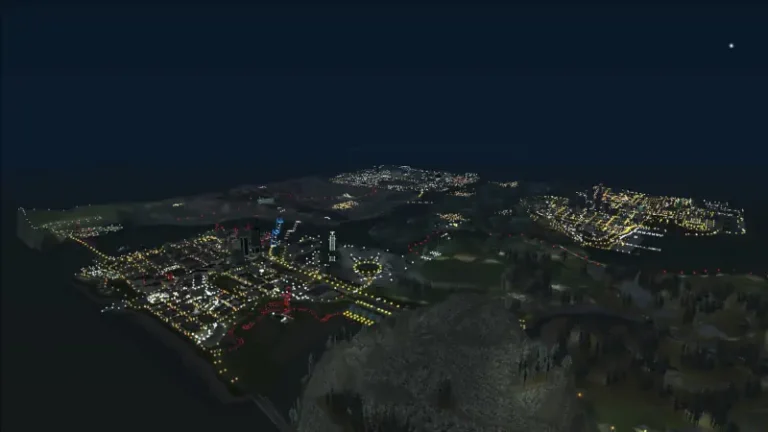
- HelixPedia Pro-Tip: If you’re using Project 2DFX to increase draw distance, Open Limit Adjuster is mandatory. Without it, the game will fail to render the increased number of “Timed Objects” (like streetlights) and crash instantly during the transition from day to night.