GTA San Andreas Downgrader for GTA San Andreas Classic: The HelixPedia Review
STATUS: ✅ VERIFIED & STABLE PERFORMANCE: Light COMPATIBILITY: Steam / Rockstar Games Launcher (RGL) / Retail
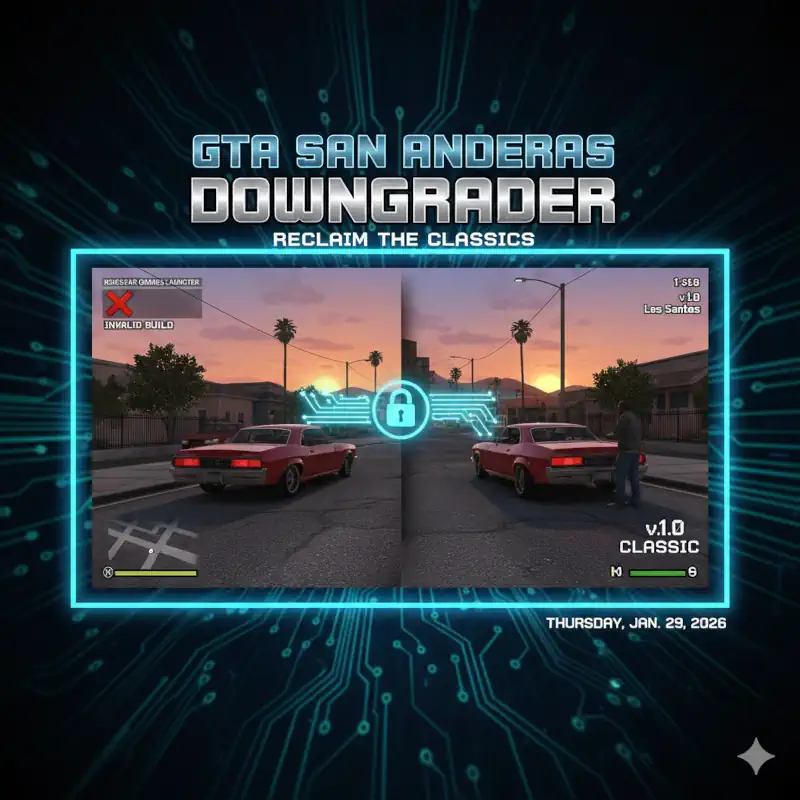
Image: Google Gemini for HelixPedia.com
⚡ HelixPedia Rating & Impressions
- Fun Meter: 🔥🔥🔥🔥🔥 (5/5) – Essential for reclaiming the actual “fun” parts of SA that modern launchers broke.
- Educational Value: 🎓🎓🎓 (3/5) – A masterclass in how community binary patching preserves digital history.
- Dev-Craft: 🛠️🛠️🛠️🛠️🛠️ (5/5) – Impeccable logic; uses delta patching to avoid distributing copyrighted assets while restoring them.
- Lore-Friendliness: 🎭🎭🎭🎭🎭 (5/5) – Restores the original radio atmosphere and 2004-era script details.
- Nostalgia Kick: 🕹️🕹️🕹️🕹️🕹️ (5/5) – The only way to see San Andreas exactly as it looked on the day of release.
📝 GTA San Andreas Downgrader Review: Why We Picked It
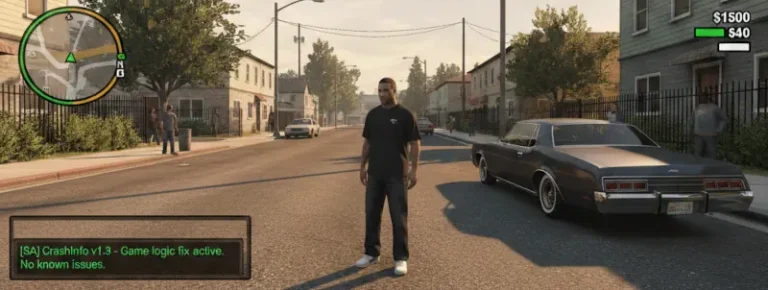
The Rockstar Games Launcher and Steam versions of Grand Theft Auto: San Andreas are, to put it bluntly, a technical mess. Between the removal of iconic licensed tracks from Radio Los Santos and K-DST, the broken mouse input on modern Windows, and the “Hot Coffee” code locks that inadvertently shattered mod compatibility, the modern digital releases are inferior to the 2004 original. The GTA San Andreas Downgrader (specifically the one hosted by MixMods/Zalexanninev15) is the community’s definitive scalpel for fixing this.
This isn’t just a simple patch; it is a binary reconstruction. It transforms your bloated, restricted v3.0 executable back into the legendary v1.0. This restoration is the “soul” of the modding community—without it, foundational scripts like CLEO, ASI Loaders, and the 4GB Patch simply cannot hook into the game engine. We chose this because it is the mandatory first step for anyone who respects the heritage of San Andreas.
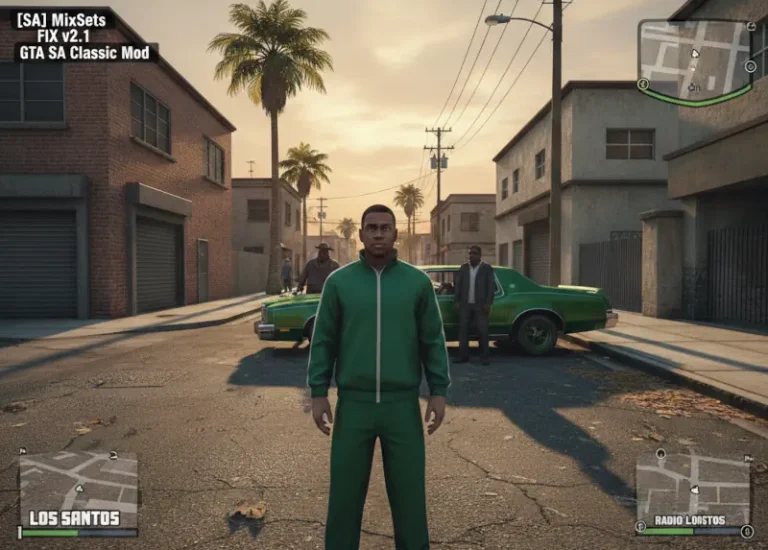
Beyond just “fixing” the game, the downgrader restores the aesthetic integrity of the title. It brings back the original PS2-style color grading (when paired with SkyGFX) and ensures that the game physics don’t freak out when running at modern frame rates. It is the bridge between a broken corporate product and a community-perfected masterpiece.
🎯 Target Audience
- Play this if: You want to install ANY other mods (ModLoader, SilentPatch, etc.), or if you’re tired of your mouse randomly stopping during a drive-by.
- Similar to: GTA III Downgrader, Vice City Downgrader, Jetpack Downgrader.
- Featured on: The Ultimate GTA San Andreas Classic Guide: Best Mods, Must-Have Tools & Essential Fixes, tagged as essential.
🛠️ How to Install GTA San Andreas Downgrader Guide
- Clean Slate: Ensure you have a fresh installation of GTA SA from Steam or the Rockstar Games Launcher. Run the game once to allow the launcher to generate initial config files.
- Path Selection: Run the Downgrader tool and point it to your installation directory (usually under
SteamLibrary\steamapps\common\Grand Theft Auto San Andreas). - Execution: Select the “v1.0” target. The tool will scan your files and apply the delta patches. Pro-Tip: Check the box for “SilentPatch” and “Widescreen Fix” if the installer offers them—they are non-negotiable for modern play.
- Friction Rating: Easy.
📦 Claim Your Mod
To download GTA San Andreas Downgrader, use the links below:
- Primary Source: MixMods Essentials
- Official Mirror: GitHub (Jetpack Downgrader)
DOWNLOAD GTA SAN ANDREAS DOWNGRADER NOW
- HelixPedia Pro-Tip: After downgrading, move your entire GTA San Andreas folder out of the
SteamorRockstar Gamesdirectory to a custom path likeC:\Games\GTASA. This prevents the launchers from “auto-updating” (re-breaking) your game files during a background check.