SkyGfx for GTA San Andreas Classic: The HelixPedia Review
STATUS: ✅ VERIFIED & STABLE
PERFORMANCE: Regular
COMPATIBILITY: GTA SA v1.0 (Essential)
⚡ HelixPedia Rating & Impressions
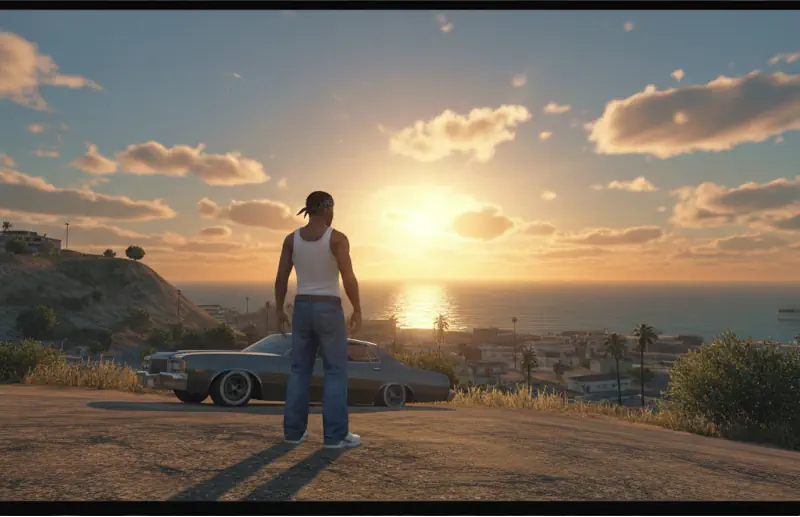
- Fun Meter: 🔥🔥🔥🔥🔥 (5/5) – Seeing the “Orange Sky” glow again is pure magic.
- Educational Value: 🎓🎓🎓🎓 (4/5) – A masterclass in how render pipelines differed between 2000s consoles.
- Dev-Craft: 🛠️🛠️🛠️🛠️🛠️ (5/5) – Absolute technical wizardry by The_Hero (aap).
- Lore-Friendliness: 🎭🎭🎭🎭🎭 (5/5) – More “authentic” than the actual original PC release.
- Nostalgia Kick: 🕹️🕹️🕹️🕹️🕹️ (5/5) – Tears in your eyes as the PS2 atmosphere returns.
📝 SkyGfx Review: Why We Picked It
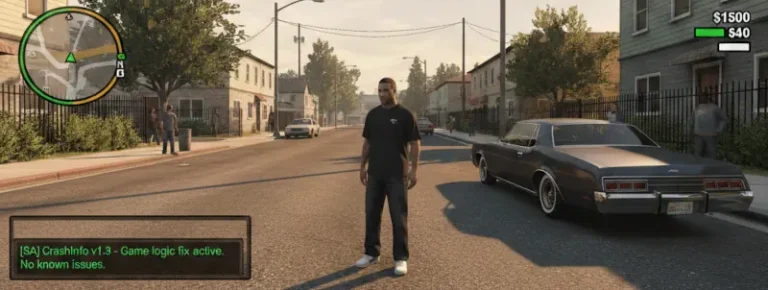
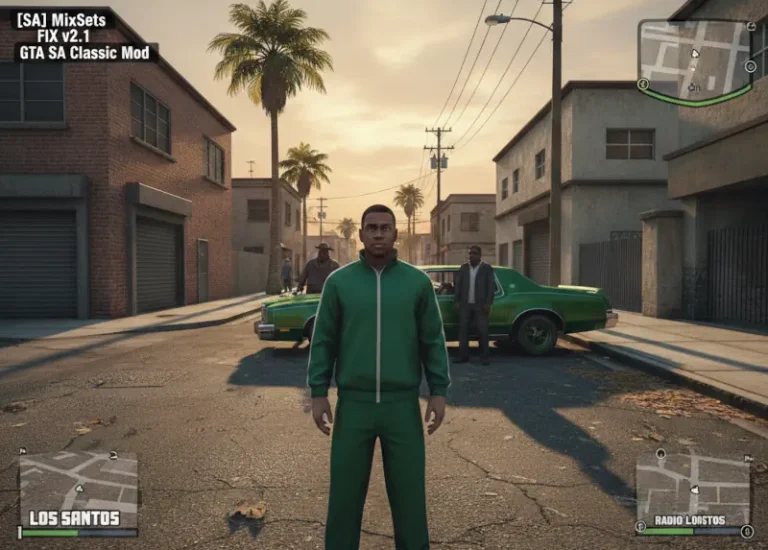
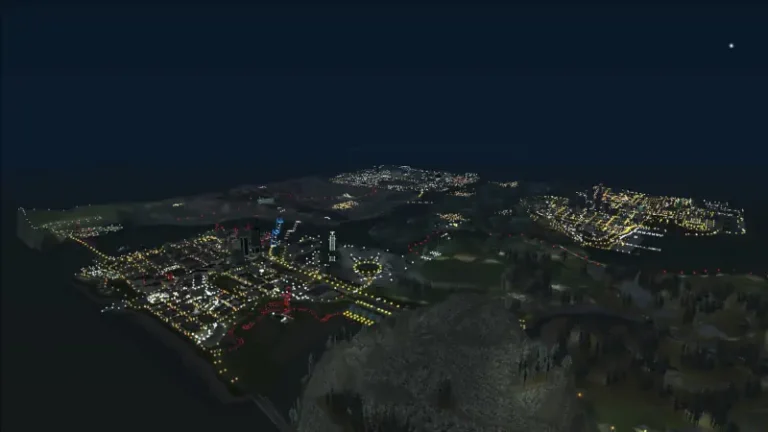
When Rockstar Games ported Grand Theft Auto: San Andreas to PC in 2005, something vital was lost in translation. The iconic, smoggy orange haze of Los Santos, the “Radiosity” lighting that made surfaces glow, and the complex reflections of the PS2 version were stripped away, leaving a PC port that looked strangely sterile and “flat.” SkyGfx is the definitive technical bridge that restores these missing visual layers, effectively turning the PC version into the ultimate “definitive” edition.
At its core, SkyGfx is not just a “graphics mod” in the modern sense—it doesn’t just slap on reshades or heavy textures. Instead, it recreates the specific rendering pipelines of the PlayStation 2, Xbox, and Mobile versions. It restores the PS2-accurate color cycles, the dual-pass rendering for transparent objects (fixing those ugly alpha-sorting bugs), and the legendary “sun glare” that defined the atmosphere of 1990s San Andreas.
The “soul” of this mod lies in its modularity. Through its configuration file, players can choose exactly which “flavor” of nostalgia they want. Want the grainy, warm filter of the PS2? Or perhaps the sharper, cleaner reflections found on the original Xbox? SkyGfx allows for a hybrid approach that the HelixPedia team finds superior to any official remaster. It fixes the “broken” lighting of the PC port while maintaining the rock-solid framerates of the original engine.
From a code perspective, SkyGfx is a marvel of reverse engineering. It hooks directly into the RenderWare engine to fix long-standing bugs that Rockstar never addressed. It is lightweight enough for older systems but transformative enough to satisfy enthusiasts who want the game to look exactly as it did in their memories—only sharper and at a higher resolution.
🎯 Target Audience
- Play this if: You find the “Definitive Edition” art style jarring and want the original atmosphere restored with modern stability.
- Similar to: SilentPatch, GInput, Trails Fix.
- This mod is part of the essential modding tools and must-have fixes for GTA SA Classic, tagged as recommended.
🛠️ How to Install SkyGfx Guide
- Prerequisites: Ensure you have an ASI Loader (Silent’s ASI Loader) installed in your GTA San Andreas root directory, and your game is version 1.0.
- File Transfer: Extract the contents of the SkyGfx zip (including the
skygfxfolder andskygfx.asi) into your main game folder, or thescriptsfolder if you use ModLoader. - Configuration: Choose one of the preset
.inifiles provided (e.g.,skygfx1.inifor PS2 style) and rename it toskygfx.inito activate your preferred look.
- Friction Rating: Mid.
📦 Claim Your Mod
To download SkyGfx, use the links below:
- Primary Source: GitHub (aap/skygfx)
- Official Mirror: GTAForums Technical Thread
- HelixPedia Pro-Tip: If you are using SkyGfx alongside SilentPatch, ensure
ps2alpha=1is enabled in your.inifile. This specifically fixes the “grass transparency” bug where greenery looks like flat blocks, a hallmark of the broken PC port.