Widescreen Fix (ThirteenAG) for GTA San Andreas Classic: The HelixPedia Review
STATUS: ✅ VERIFIED & STABLE
PERFORMANCE: Light
COMPATIBILITY: v1.0 US (Recommended) / Any Downgraded version
⚡ HelixPedia Rating & Impressions
- Fun Meter: 🔥🔥🔥🔥🔥 (5/5) – Essential for modern play; makes the game feel native again.
- Educational Value: 🎓🎓 (2/5) – Teaches basic ASI loading and directory management.
- Dev-Craft: 🛠️🛠️🛠️🛠️🛠️ (5/5) – Flawless code from ThirteenAG; incredibly lightweight and modular.
- Lore-Friendliness: 🎭 (1/5) – Zero lore impact; strictly a visual fidelity restoration.
- Nostalgia Kick: 🕹️🕹️🕹️🕹️ (4/5) – Restores the exact feeling of the original game without the “stretched” distortion.
📝 Widescreen Fix Review: Why We Picked It
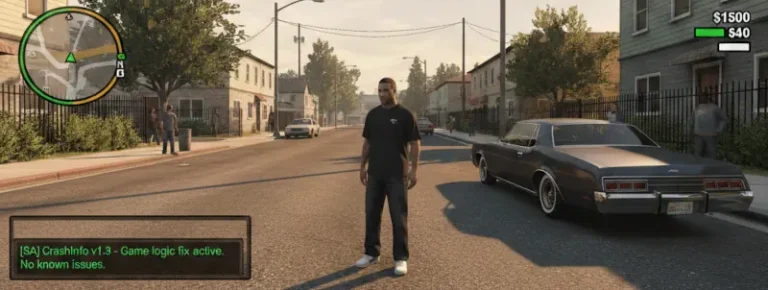
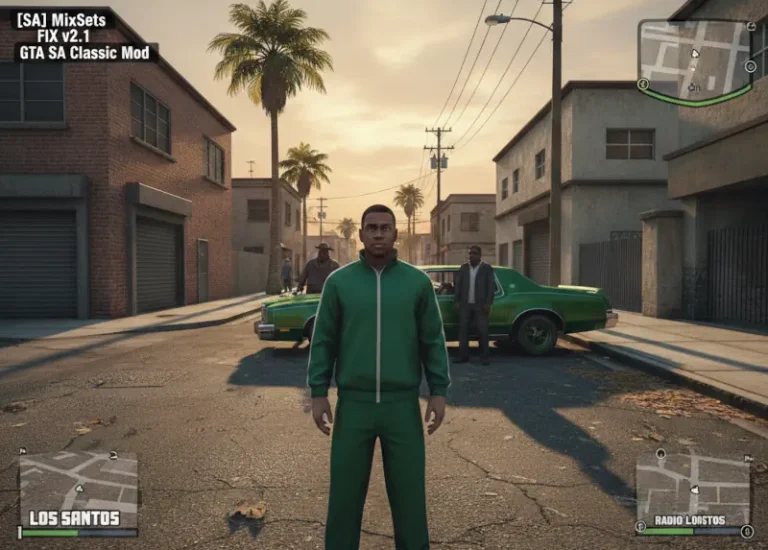
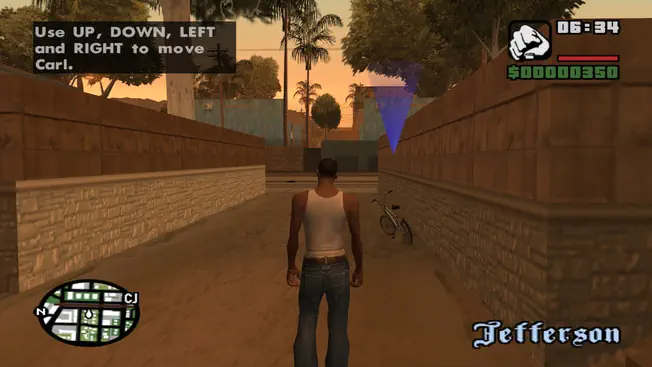
The classic 2004 release of Grand Theft Auto: San Andreas was never designed for the 16:9 or 21:9 displays we use today. Without this fix, San Andreas suffers from the “fat CJ” effect—where the entire world is horizontally stretched, distorting the meticulously crafted character models and environments. ThirteenAG’s Widescreen Fix is the gold standard for correcting this, going far beyond simple resolution stretching to ensure the aspect ratio is mathematically correct.
What makes this specific mod a HelixPedia “Must-Have” is its respect for the game’s internal logic. It doesn’t just fix the 3D world; it scales the HUD, weapon icons, and crosshairs so they aren’t oval-shaped. It even includes “Smart Cutscene Borders” that adjust dynamically to your resolution, ensuring the cinematic experience remains as Rockstar intended, but optimized for your modern monitor.
From a technical standpoint, the “soul” of this mod lies in its cleanliness. It functions as an ASI plugin, meaning it injects into the game memory without overwriting original assets. This makes it highly compatible with other essential patches like SilentPatch or SkyGfx. If you are building a “Definitive” setup that isn’t the actual Definitive Edition, this is your first brick in the wall.
🎯 Target Audience
- Play this if: You are playing the Classic/Steam/Rockstar version and want to remove the “stretched” look, or if you are running a high-refresh-rate ultrawide monitor.
- Similar to: SilentPatch, GInput, Project2DFX.
- Featured on: The Ultimate GTA San Andreas Classic Guide: Best Mods, Must-Have Tools & Essential Fixes, tagged as essential.
🛠️ How to Install Widescreen Fix Guide
- Downgrade (Crucial): Ensure your game is downgraded to v1.0 (US). Most mods, including ASI loaders, require this specific version to function.
- ASI Loader: Download and place (Silent’s ASI Loader) into your main GTA San Andreas directory.
- Deploy Files: Copy the
scriptsfolder (containingGTASA.WidescreenFix.asiand.ini) from the download into your game’s root folder.
- Friction Rating: Easy.
📦 Claim Your Mod
To download Widescreen Fix (ThirteenAG), use the links below:
- Primary Source: GitHub – WidescreenFixesPack
- Official Mirror: FusionFix Portal
- HelixPedia Pro-Tip: Open the
GTASA.WidescreenFix.inifile in Notepad to find theIVRadarScalingoption. Setting this to1will give you a radar position and scale similar to GTA IV, which many players find much cleaner on high resolutions.