
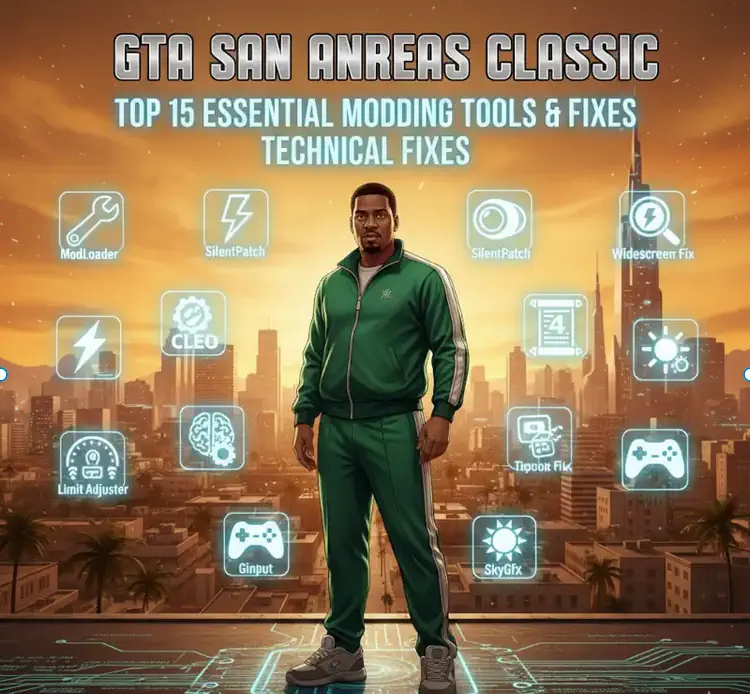
Running the original 2004 version of Grand Theft Auto: San Andreas on modern Windows hardware is a notorious challenge. To experience the classic without the headaches of constant crashes, broken physics, or “stretched” visuals, you need more than just mods—you need a solid technical foundation.
This wiki-style guide categorizes the Top 15 Essential Modding Tools and Technical Fixes into tiers. These range from mandatory dependencies required to make the game run, to advanced limit adjusters that stabilize the engine for high-end modifications. By following this structure, you ensure your “Classic” installation remains stable, modern, and compatible with any content you choose to add.
Pre-Modding Checklist
Before installing any graphical or gameplay mods, your installation must meet three criteria:
- Version 1.0 Access: Modern digital versions (Steam/Rockstar Launcher) are encrypted and incompatible with most scripts.
- Plugin Support: The game engine must be modified to recognize external
.asiand.cleofiles. - Modern Display Compatibility: The native 2004 engine does not support 16:9 or 21:9 aspect ratios without external fixes.
Similar to GTA Essential Tools & Must-Have Fixes for: GTA 3, Vice City, San Andreas, GTA IV, GTA V.
Tier 1: The Absolute Essentials (Global Dependencies)
These tools are the “Ground Zero” of modding. Without these, your game will either remain unmoddable or stay broken on modern PCs.
- Rockstar Games Launcher/Steam Downgrader The foundation of all modding. Modern digital versions are encrypted; this restores your game to the “Version 1.0” Hoodlum state required for all plugins.
- Silent’s ASI Loader The “key in the ignition” for your mod folder. This small file allows the game engine to recognize and load the
.asiscripts that power every fix on this list. - ModLoader The industry standard for file management. It allows you to install mods by dragging and dropping folders, keeping your original game directory “clean” and safe from corruption.
- SilentPatch A legendary fix that addresses over 100 engine bugs. It restores the PS2 sun, fixes broken mouse inputs on Windows 11, and stabilizes the frame rate.
- Widescreen Fix (ThirteenAG) Essential for 1080p, 4K, and Ultrawide monitors. This fixes the “stretched” UI and aspect ratio, making the game look native on modern displays.
Tier 2: The Scripting & Limit Engines
These tools expand what the game engine is capable of. They are mandatory if you plan on adding new missions, HD textures, or modern gameplay mechanics.
- CLEO 4/5 (or CLEO Redux) The most famous scripting library in GTA history. Required for virtually every custom “Job,” “Robbery,” or interactive mod you find online.
- CLEO+ (CLEO Plus) An modern expansion that adds advanced commands for complex scripts. If you want to use “Urbanize” or high-end robbery mods, this is required.
- Framerate Vigilante Playing at high FPS usually breaks GTA physics. This fix ensures CJ swims at the right speed and cars behave correctly even at 60+ FPS.
- Open Limit Adjuster The cure for the dreaded “Streaming Memory” crash. It allows the game to use more RAM for HD textures and high-poly models.
- Fastman91 Limit Adjuster The “Heavy Duty” version of the above. This is the tool required for Total Conversions or adding hundreds of brand-new vehicles to the game.
Tier 3: The Recommended Quality Foundation
These aren’t strictly required for the game to run, but they provide the professional polish and stability expected in 2026 and above.
- GInput Brings native support for Xbox and PlayStation controllers, including the correct on-screen button icons for a console-like experience.
- SkyGfx The “Time Machine.” It restores the iconic orange PS2 atmosphere and dual-pass rendering that was lost in the original PC port.
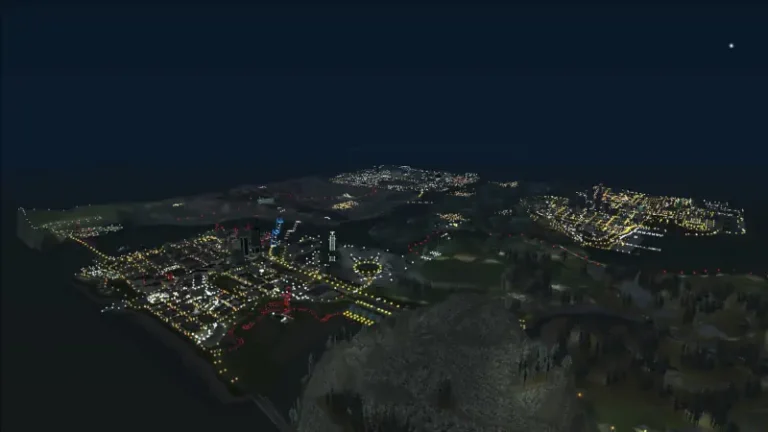
- Project 2DFX A massive draw-distance upgrade. It populates the horizon with lights and buildings, eliminating the “pop-in” effect of the 2004 engine.
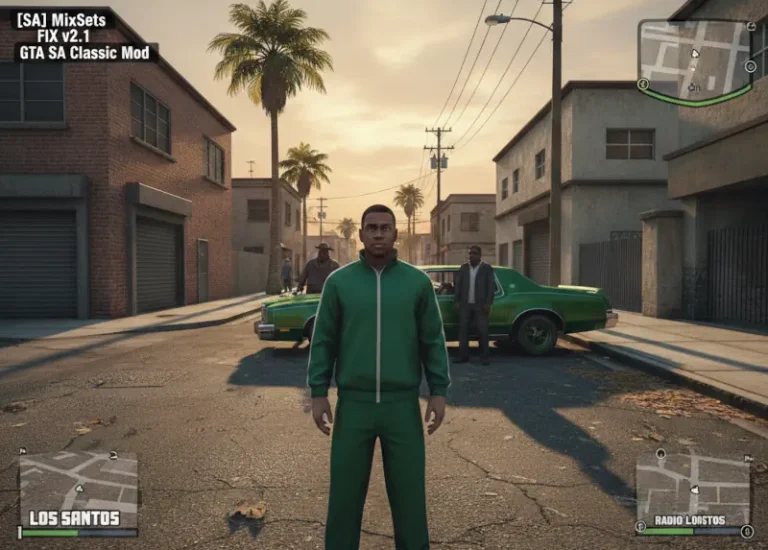
- MixSets A powerful
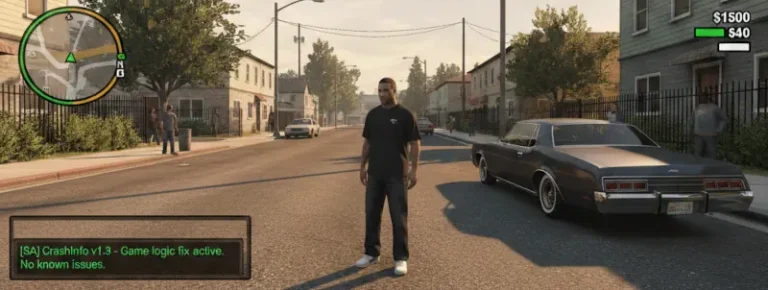
.iniconfiguration tool that lets you tweak hundreds of hidden settings, from traffic density to car reflection intensity. - CrashInfo The ultimate diagnostic tool. If your game crashes, this generates a log telling you exactly which mod caused the conflict—an absolute must for troubleshooting.
I like it, brief, but explicit enough. And all the must have mods.