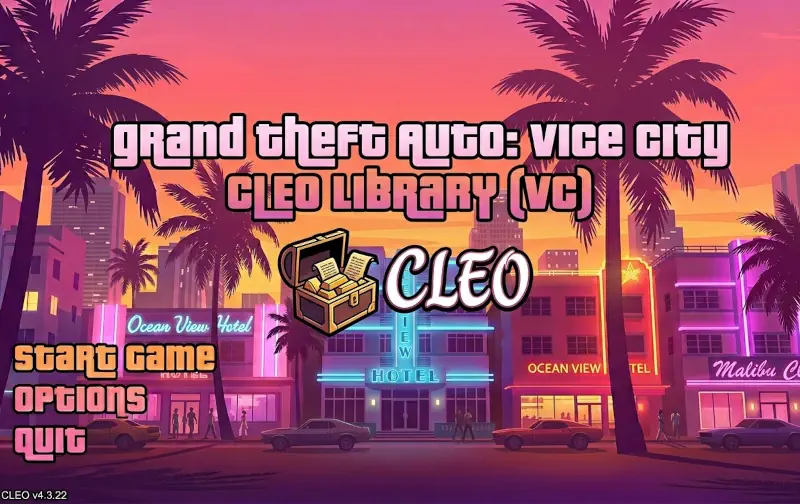
CLEO Library (VC) for GTA Vice City Classic: The HelixPedia Review
STATUS: ✅ VERIFIED & STABLE
PERFORMANCE: Regular
COMPATIBILITY: v1.0, v1.1 (Retail/Steam)
⚡ HelixPedia Rating & Impressions
- Fun Meter: 🔥🔥🔥🔥🔥 (5/5) – The key to infinite gameplay. Without CLEO, your Vice City is a museum; with it, it’s a sandbox.
- Educational Value: 🎓🎓🎓🎓 (4/5) – An incredible look at how SCM scripting can be expanded via custom opcodes.
- Dev-Craft: 🛠️🛠️🛠️🛠️ (4/5) – Robust and reliable, though it requires an ASI loader to wake up.
- Lore-Friendliness: 🎭🎭 (2/5) – Inherently neutral, but most scripts it enables (god mode, spawn cars) break the 80s immersion.
- Nostalgia Kick: 🕹️🕹️🕹️🕹️ (4/5) – Reminiscent of the early 2000s “Gold Age” of GTA modding.
📝 CLEO Library (VC) Review: Why We Picked It
While the ASI Loader is the bridge, the CLEO Library is the engine that powers the most creative mods in the Vice City community. For the uninitiated, CLEO is a scripting plugin that allows the game to load custom scripts (stored as .cs files) without needing to recompile the main main.scm file. This is revolutionary because it means you can add complex features—like a car spawner, a first-person view, or entire new mission strands—without ever touching the game’s original source code or risking your save file’s integrity.
At HelixPedia, we admire “Dev-Craft” that empowers the community, and CLEO is the ultimate example. Created originally by Seemann and maintained by the CLEO team, it extends the RenderWare engine’s logic by adding hundreds of new “opcodes.” These are essentially new verbs in the game’s vocabulary, allowing modders to manipulate memory, files, and game states in ways Rockstar never officially supported back in 2002.
The “soul” of CLEO lies in its modularity. You don’t “install” a mod with CLEO; you simply drop a script into a folder. This plug-and-play nature is what allowed Vice City modding to survive for over two decades. Whether you’re looking to fix minor mechanical gripes or turn Tommy Vercetti into a literal superhero, CLEO is the silent facilitator. It is lightweight, stays out of the way of your frame rate, and is built with a level of stability that makes it an essential part of the “Holy Trinity” of GTA modding (ASI Loader, Widescreen Fix, and CLEO).
🎯 Target Audience
- Play this if: You want to use gameplay-changing mods like cheat menus, parkour scripts, or custom mission packs.
- Similar to: CLEO for GTA III and San Andreas, MoonLoader (for SA), Script Hook V (for GTA V).
- Featured on: The Ultimate GTA Vice City Classic Guide: Best Mods, Must-Have Tools & Essential Fixes, tagged as essential.
🛠️ How to Install CLEO Library (VC) Guide
- Prerequisite: You MUST have an ASI Loader (like
dinput8.dll) already installed in your game folder. - Placement: Extract the ZIP file and move
VC.CLEO.asiand theCLEOfolder into your main GTA Vice City directory. - Scripting: To add mods, simply place any
.cs(CLEO script) files you download directly into the newCLEOfolder.
- Friction Rating: Mid (Requires manual folder placement and an existing ASI loader).
📦 Claim Your Mod
To download CLEO Library (VC), use the links below:
- Primary Source: CLEO.li (Official Site)
- Official Mirror: GitHub (cleolibrary)
DOWNLOAD CLEO LIBRARY (VC) NOW
- HelixPedia Pro-Tip: Some advanced CLEO scripts require an additional plugin called
GInputto recognize controller inputs properly. Even if you play with a keyboard and mouse, keep an eye out for scripts that list GInput as a dependency to avoid silent crashes!