Widescreen Fix for GTA Vice City Classic: The HelixPedia Review
STATUS: ✅ VERIFIED & STABLE
PERFORMANCE: Light
COMPATIBILITY: v1.0, v1.1, Steam
⚡ HelixPedia Rating & Impressions
- Fun Meter: 🔥🔥🔥🔥🔥 (5/5) – It doesn’t add missions, but seeing Vice City without the “fat” stretch is a joy.
- Educational Value: 🎓🎓🎓 (3/5) – Demonstrates how aspect ratio math affects field of view (FOV).
- Dev-Craft: 🛠️🛠️🛠️🛠️🛠️ (5/5) – Flawless implementation that fixes UI scaling, not just the 3D world.
- Lore-Friendliness: 🎭🎭🎭🎭🎭 (5/5) – Essential for seeing the game exactly as intended on modern screens.
- Nostalgia Kick: 🕹️🕹️🕹️🕹️🕹️ (5/5) – Feels like playing the game through a polished time machine.
📝 Widescreen Fix Review: Why We Picked It
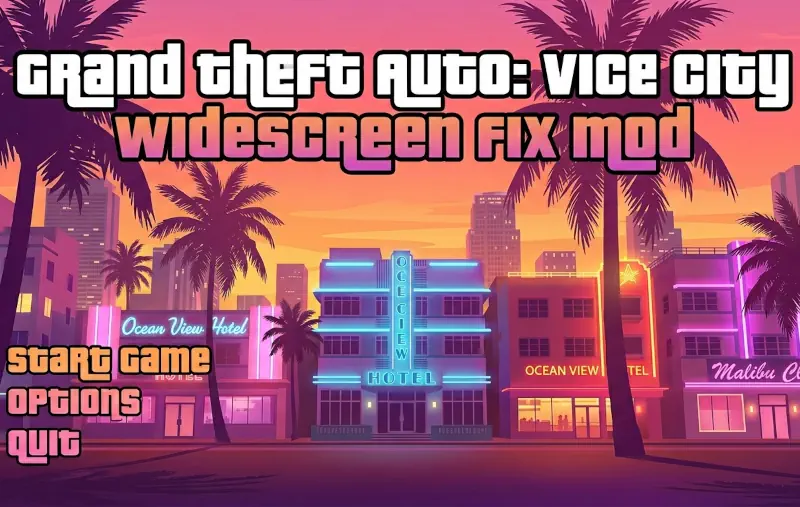
If the Ultimate ASI Loader is the skeleton of a modded Vice City, ThirteenAG’s Widescreen Fix is the nervous system. Original copies of Vice City were designed for 4:3 CRT monitors; playing them on a modern 16:9 or 21:9 display results in a distorted, horizontally stretched Tommy Vercetti that ruins the cinematic “Scarface” vibe. This fix is the definitive solution to that aesthetic crisis.
What sets this mod apart from simple resolution hacks is its “Dev-Craft” precision. Most fixes only stretch the 3D world, leaving the HUD (heads-up display) and map looking like flattened pancakes. ThirteenAG’s work scales the HUD elements correctly, ensures the crosshairs are accurate, and fixes the FOV (Field of View) so you actually see more of Ocean Drive rather than just a zoomed-in blur. It even includes an option to restore the original PS2-style loading screens and menu scaling.
The “soul” of this mod is its commitment to preservation. It respects the original artistic intent of Rockstar North while removing the technical barriers of the 21st century. It includes a built-in .ini file that allows for granular control over features like “vignette” effects or “HUD resizing,” giving the user total authority over their visual experience.
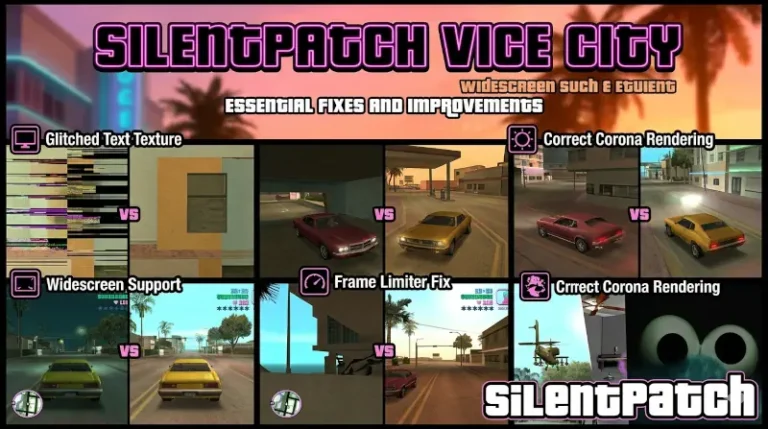
At HelixPedia, we consider this mandatory. Running Vice City without it is like watching a classic film through a dirty window. It is clean, lightweight, and works seamlessly with other essential patches like SilentPatch to provide the most stable version of the game possible.
🎯 Target Audience
- Play this if: You are using a 1080p, 1440p, or 4K monitor and want the game to look proportional.
- Similar to: Widescreen Fix for GTA III and San Andreas, GInput (for controller support), SilentPatch.
- Featured on: The Ultimate GTA Vice City Classic Guide: Best Mods, Must-Have Tools & Essential Fixes, tagged as essential.
🛠️ How to Install Widescreen Fix Guide
- Prerequisite: Ensure you have the Ultimate ASI Loader (dinput8.dll) installed in your root folder.
- Extract: Download the ZIP and move the
scriptsfolder into your GTA Vice City root directory. - Configure: Open
GTAVC.WidescreenFix.iniin the scripts folder to toggle features like “FixHUD” or “ReplaceLoadingScreens.”
- Friction Rating: Easy.
📦 Claim Your Mod
To download Widescreen Fix, use the links below:
- Primary Source: FusionFix.io
- Official Mirror: N/A
- HelixPedia Pro-Tip: Inside the
.inifile, look for theAllowProportionalStretchsetting. Setting this to1while using a custom resolution can help solve issues where the radar map appears slightly oval instead of a perfect circle!