Grand Theft Auto III is the game that changed everything, but playing the original PC port today can be a technical nightmare. From broken physics at high frame rates to missing graphical effects and a total lack of widescreen support, the “Classic” experience needs a modern touch to truly shine.
This guide concludes our essential series on the 3D Era, providing you with a rock-solid foundation to enjoy Liberty City in 2026 without the crashes or the bugs.
Pre-Modding Checklist: Setting Up for Success
Before you start downloading the tiers below, you need to ensure your base installation of GTA III is “mod-ready.” Because the Steam and Rockstar Games Launcher versions of the “Classic” game often include restrictive files or broken executables, following these steps is mandatory to prevent crashes.
- Perform a Clean Installation: Start with a fresh install of the game. If you have previously tried to install mods, delete the entire folder and redownload it to ensure no leftover files cause conflicts.
- The “No-CD” Executable (v1.0): Most modern mods, especially ASI scripts, require the original 1.0 version of the game’s
.exe. If you are using a digital store version, you may need to “downgrade” or find a version 1.0 executable to ensure compatibility with Tier 1 and Tier 2 tools. - Disable Compatibility Modes: Contrary to old advice, do not set
gta3.exeto Windows XP or 95 compatibility mode once you have installed SilentPatch. Modern fixes handle compatibility internally, and Windows settings can actually interfere with them. - Create a Backup: Once you have a clean, working v1.0 folder, copy the entire “Grand Theft Auto III” directory to a safe location. This way, if a mod installation goes wrong, you can revert without redownloading the entire game.
- Install Outside “Program Files”: To avoid Windows “User Account Control” (UAC) permissions blocking your mods from saving settings, install your game in a custom folder like
C:\Games\GTA3rather than the defaultC:\Program Files (x86).
Similar to GTA Essential Tools & Must-Have Fixes for: GTA III, Vice City, San Andreas, GTA IV, GTA V.
Tier 1: The Absolute Essentials (Global Dependencies)
Before you can overhaul the visuals or add new features, you must prepare the game engine. These tools are the invisible workhorses that allow modern plugins to communicate with the aging GTA III executable.
- Ultimate ASI Loader: The cornerstone of GTA modding. This small DLL file allows the game to load custom plugins, enabling almost every other fix on this list to function seamlessly.
- Large Address Aware (4GB Patch): The original game was never designed to handle high-resolution textures. This patch doubles the amount of RAM the game can access, preventing “Out of Memory” crashes during heavy sessions.
- ModLoader (III Version): Gone are the days of manually replacing game files and breaking your installation. ModLoader allows you to install mods in separate folders, making management as simple as dragging and dropping.
Tier 2: The Scripting & Limit Engines
These mods dig into the game’s code to remove hardcoded limitations and provide a platform for more complex features that weren’t possible back in 2001.
- CLEO 3: The most famous scripting library in the franchise. It enables thousands of custom scripts—from new gameplay mechanics to small quality-of-life improvements—without requiring a new save game.
- Open Limit Adjuster: GTA III is notorious for “map flickering” when too many objects are loaded. This engine expansion removes those internal bottlenecks, ensuring the world stays solid even with draw distance mods.
- D3D8 to D3D9 Wrapper: Modern versions of Windows struggle with the ancient DirectX 8 API. This wrapper translates the game to DirectX 9, improving overall stability and compatibility with modern GPU drivers.
Tier 3: The Recommended Quality Foundation
This tier focuses on “The Big Three”: Fixing the bugs Rockstar left behind, restoring the atmosphere of the console versions, and adding native support for modern hardware.
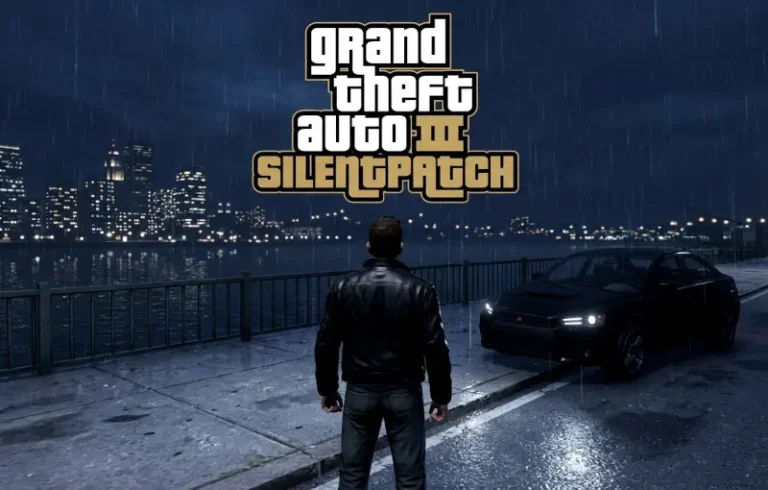
- SilentPatch for GTA III: If you only install one mod, let it be this one. SilentPatch fixes hundreds of mechanical and visual bugs, restores the missing “light” coronas, and ensures the game’s mouse-aiming is actually usable.
- Widescreen Fix: Stop playing with a stretched HUD and distorted characters. This fix provides native support for 16:9 and Ultra-Wide monitors, properly scaling the map, radar, and field of view.
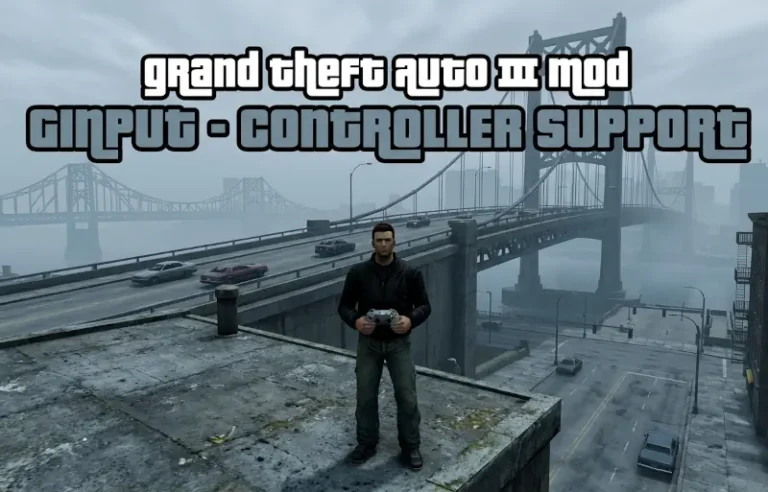
- GInput (III): Experience the comfort of modern gaming. GInput adds 1:1 support for Xbox and PlayStation controllers, including the correct icons and vibration, making it feel like a modern console title.
- Framerate Vigilante: In the original game, playing above 30 FPS would break the physics, making cars stop instantly or Claude move like he was underwater. This fix decouples the game logic from the frame rate.
HelixPedia Recommendations
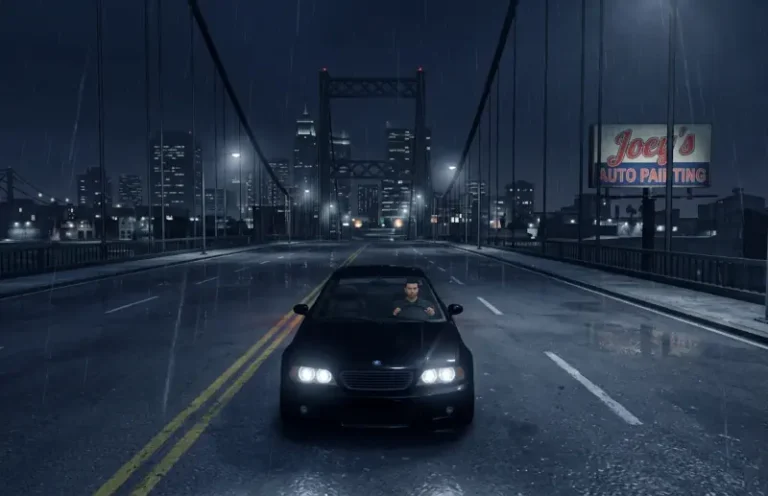
With the technical issues solved, these final five recommendations focus on the “vibe.” These mods bring back the gritty, dark atmosphere of Liberty City while adding the polish expected by modern players.
- SkyGfx for GTA III: The PC port of GTA III famously lost the atmospheric fog and vehicle reflections found on the PS2. SkyGfx restores those graphical features, bringing back the authentic “Liberty City” look.
- HD HUD Icons: A sharp, high-definition remake of every weapon icon and map blip. It keeps the iconic 2001 aesthetic but removes the blurry pixels on high-resolution displays.
- The Leftovers Fix: A restoration project that re-inserts dozens of map details and environmental objects that were accidentally deleted during the game’s porting process.
- Xbox Vehicles & Peds for GTA III: The Xbox version of the game actually had much higher-detail models than the PC. This mod replaces the low-poly PC assets with these superior, lore-friendly versions.
- Interactive Pause Menu Map: It’s hard to believe, but the original GTA III had no map in the pause menu. This essential addition gives you a full-screen, interactive map to help you navigate the streets of Portland, Staunton, and Shoreside Vale.