![GTA Vice City Classic Mod [VC] HD Effects Impressions and Download Options HelixPedia](https://helixpedia.com/media/2026/04/GTA-Vice-City-Classic-Mod-VC-HD-Effects-Impressions-and-Download-Options-HelixPedia.webp)
[VC] HD Effects for GTA Vice City Classic: The HelixPedia Review
STATUS: ✅ VERIFIED & STABLE
PERFORMANCE: Light
COMPATIBILITY: GTA VC 1.0 (Best on Downgraded Retail/Steam)
⚡ HelixPedia Rating & Impressions
- Fun Meter: 🔥🔥🔥🔥 (4/5) – Fresh visual feedback makes every shootout and crash feel brand new.
- Educational Value: 🎓 (1/5) – Purely aesthetic; strictly for the vibes.
- Dev-Craft: 🛠️🛠️🛠️🛠️ (4/5) – Clean implementation that respects the original particle system.
- Lore-Friendliness: 🎭🎭🎭🎭🎭 (5/5) – Feels like the “Definitive Edition” we actually deserved.
- Nostalgia Kick: 🕹️🕹️🕹️ (3/5) – Modernizes the grit while keeping the neon soul intact.
📝 [VC] HD Effects Review: Why We Picked It
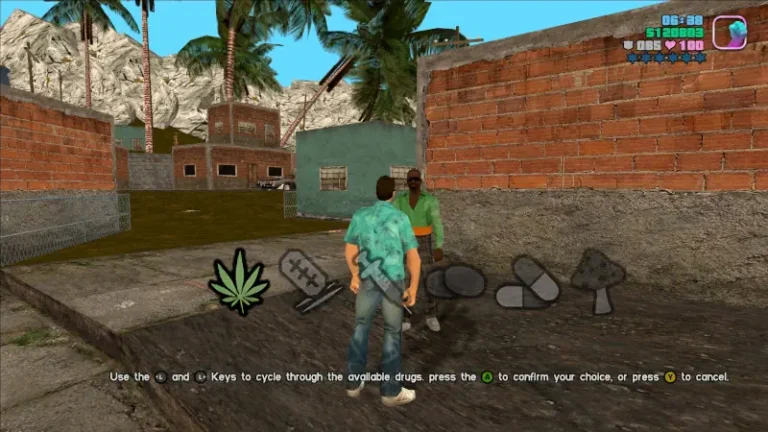
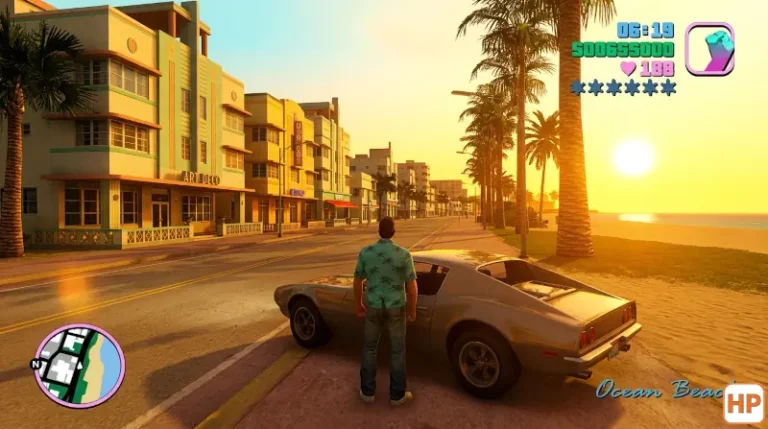
Grand Theft Auto: Vice City is defined by its atmosphere, but let’s be honest—the original 2002 particle effects (smoke, fire, and blood) have aged like milk. [VC] HD Effects is the surgical strike of mods; it doesn’t try to replace the entire game engine. Instead, it overhauls the environmental interaction layer. From the way sparks fly off a dragging chassis to the density of the tire smoke during a burnout, the “crunchiness” of the game world is significantly heightened.
What makes this mod a staple for the HelixPedia engine is its technical restraint. Many “HD” packs bloat the game with 4K textures that break the art style. This mod stays in its lane, providing high-definition transparency maps for gun flashes and explosions that look crisp without looking out of place. It breathes life into the streets of Vice Beach without demanding a modern GPU to render a single frame.
The “soul” of Vice City is found in its cinematic flair. With this mod, the trails of fire left by a Molotov cocktail or the subtle mist of blood during a sniper mission feel more like an 80s action flick and less like a collection of low-res sprites. It is an essential building block for anyone looking to build a “remastered” experience on top of the classic 1.0 executable.
🎯 Target Audience
- Play this if: You want a visual refresh that doesn’t ruin the original aesthetic or tank your framerate.
- Similar to: Vice Cry, Project 2DFX.
- Featured on: The Ultimate GTA Vice City Classic Guide: Best Mods, Must-Have Tools & Essential Fixes, tagged as recommended.
🛠️ How to Install [VC] HD Effects Guide
- Prerequisite: Ensure you have ModLoader installed in your GTA Vice City directory.
- Download & Extract: Extract the
[VC] HD Effectsfolder from the downloaded archive. - Drop and Play: Move the extracted folder directly into your
modloaderfolder. ModLoader will handle the file injection automatically without overwriting your originalmodels/particle.txd.
- Friction Rating: Easy.
📦 Claim Your Mod
To download [VC] HD Effects, use the links below:
- Primary Source: GTAGarage
- Official Mirror: N/A
- HelixPedia Pro-Tip: If you notice your framerate capping or stuttering after adding visual mods, pair this with SilentPatch. It fixes the “Frame Limiter” issues inherent in the PC port, allowing these new HD particles to animate smoothly at 60 FPS.