D3D8 to D3D9 Wrapper for GTA 3 Classic: The HelixPedia Review
STATUS: ✅ VERIFIED & STABLE
PERFORMANCE: Light / Regular (Enables post-processing)
COMPATIBILITY: GTA III v1.0 / v1.1 (Retail & Steam Classic)
⚡ HelixPedia Rating & Impressions
- Fun Meter: 🔥🔥🔥 (3/5) – It doesn’t add content, fun comes with the added stability.
- Educational Value: 🎓🎓🎓 (3/5) – Understanding API translation is key to modern PC gaming on retro titles.
- Dev-Craft: 🛠️🛠️🛠️🛠️🛠️ (5/5) – Crosire’s work is the industry standard for DX8 translation.
- Lore-Friendliness: 🎭🎭🎭🎭🎭 (5/5) – Invisible to the game world, preserving the lore.
- Nostalgia Kick: 🕹️ (1/5) – A purely modern bridge for ancient code.
📝 D3D8 to D3D9 Wrapper Review: Why We Picked It
Grand Theft Auto III is a relic of the DirectX 8 era, an API that modern Windows versions and GPU drivers often struggle to interpret efficiently. If you’ve ever experienced strange flickering, “Alt-Tab” crashes, or an inexplicable frame rate drop on a beastly RTX card, the culprit is almost certainly the game’s native D3D8 calls. The D3D8 to D3D9 Wrapper by Crosire acts as a translator, intercepting these legacy calls and converting them into Direct3D 9 in real-time.
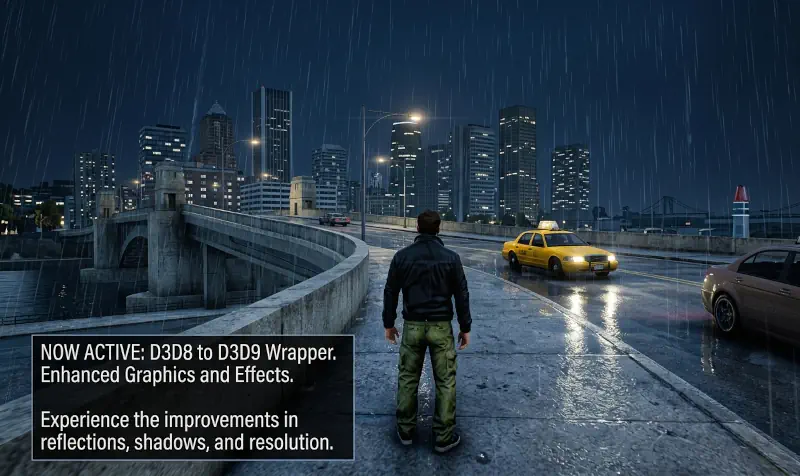
While that sounds like a background fix, the implications for your mod list are massive. Most modern visual tools—most notably ReShade and high-end ENB configurations—require a Direct3D 9 or higher environment to function. By wrapping the game in D3D9, you are effectively “tricking” modern software into seeing GTA III as a much younger title, unlocking the ability to use SMAA, ambient occlusion, and advanced color grading that the original engine would otherwise reject.
The “soul” of this mod is its seamlessness. There is no GUI, no complex config (unless you pair it with something like dxwrapper), and almost zero performance overhead. In fact, many users report a gain in stability because D3D9 is far better optimized for modern driver stacks. It is the “magic bullet” for making 2001’s Liberty City behave like a native Windows 10/11 application.
🎯 Target Audience
- Play this if: You want to use ReShade, experience fewer crashes when minimizing the game, or fix graphical artifacts on modern NVIDIA/AMD/Intel hardware.
- Similar to: Widescreen Fix for GTA III, Vice City, San Andreas, DXVK (Vulkan Wrapper) (for GTA IV), VisualV (for GTA V).
- Featured on: The Ultimate GTA 3 Classic Guide: Best Mods, Must-Have Tools & Essential Fixes, tagged as essential.
🛠️ How to Install D3D8 to D3D9 Wrapper Guide
- Deployment: Download the
d3d8.dllfrom the official release page. - Placement: Copy the
d3d8.dllfile into your main GTA III root directory (wheregta3.exeis located). - Verification: Launch the game. If you plan to use ReShade, you can now install it targeting the “Direct3D 9” API.
- Friction Rating: Easy.
📦 Claim Your Mod
To download D3D8 to D3D9 Wrapper, use the links below:
- Primary Source: GitHub (crosire/d3d8to9)
- Official Mirror: N/A
- HelixPedia Pro-Tip: If you find that your frame rate is capped or VSync feels “forced” after installing this, it’s because D3D9 handles vertical sync differently on Windows 10/11. You may need to disable VSync in your GPU control panel or use a frame limiter like the one found in SilentPatch to regain control.