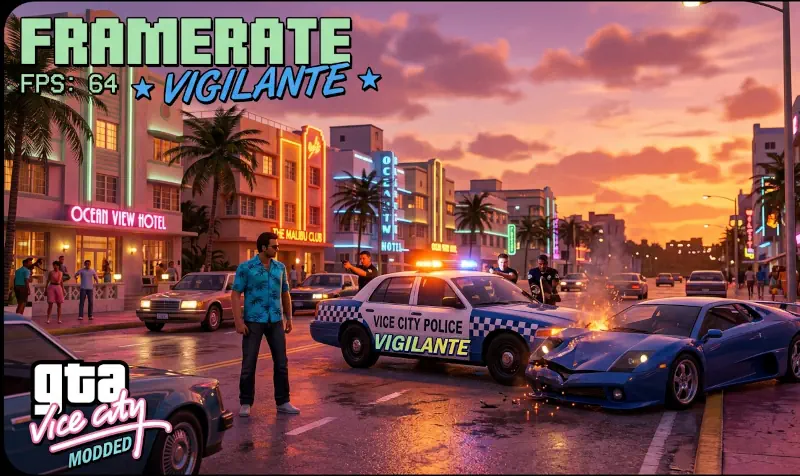
Framerate Vigilante for GTA Vice City Classic: The HelixPedia Review
STATUS: ✅ VERIFIED & STABLE
PERFORMANCE: Light
COMPATIBILITY: v1.0, v1.1, Steam (Original)
⚡ HelixPedia Rating & Impressions
- Fun Meter: 🔥🔥🔥🔥🔥 (5/5) – Unlocking 60+ FPS makes the sun-soaked streets feel like a modern dream.
- Educational Value: 🎓🎓🎓 (3/5) – A technical utility focused on engine stability.
- Dev-Craft: 🛠️🛠️🛠️🛠️🛠️ (5/5) – Exceptionally clean .asi implementation that fixes deep-rooted engine flaws.
- Lore-Friendliness: 🎭🎭🎭🎭🎭 (5/5) – Zero impact on assets; it simply makes the existing lore run smoother.
- Nostalgia Kick: 🕹️🕹️🕹️🕹️ (4/5) – Feels like playing Vice City exactly how your memory thought it looked in 2002.
📝 Framerate Vigilante Review: Why We Picked It
For decades, the RenderWare engine powering GTA Vice City has been a fragile beast. Playing at anything above 30 FPS traditionally meant broken vehicle physics, Tommy swimming like a lead weight, and the infamous “slow reverse” bug. Framerate Vigilante is the definitive surgical strike against these limitations. Instead of just forcing a higher cap, it calculates and synchronizes the game’s internal timers—swimming, gravity, and vehicle handling—to the actual framerate.
The “soul” of this mod lies in its invisibility. Unlike many heavy-handed “Remastered” mods that clutter the screen with post-processing, Framerate Vigilante respects the original aesthetic. It provides a fluid, high-refresh experience that feels native. In our testing, the legendary PC port jank—where cars take ten seconds to start reversing at 60 FPS—is completely eradicated. It’s the “silent hero” mod that every classic GTA installation requires for a modern PC.
Technically, the code is remarkably lightweight. It operates as an .asi plugin, meaning it hooks into the game memory without overwriting core files. This ensures maximum compatibility with other essential fixes like SilentPatch. If you want the definitive 80s neon experience without the 80s hardware limitations, this is your primary tool.
🎯 Target Audience
- Play this if: You are playing on a high-refresh monitor and want smooth 60+ FPS gameplay without breaking the game’s physics.
- Similar to: Framerate Vigilante for GTA III and San Andreas, SilentPatch, GInput, SkyGfx.
- Featured on: The Ultimate GTA Vice City Classic Guide: Best Mods, Must-Have Tools & Essential Fixes, tagged as essential.
🛠️ How to Install Framerate Vigilante Guide
- Download and install the Ultimate ASI Loader (place
dinput8.dllin your game root). - Download the Framerate Vigilante archive and extract
FramerateVigilante.VC.asiandFramerateVigilante.iniinto your game root orscriptsfolder. - Ensure the in-game “Frame Limiter” is turned ON in the Display settings (the mod will now control the limit based on the
.inifile).
- Friction Rating: Easy.
📦 Claim Your Mod
To download Framerate Vigilante, use the links below:
- Primary Source: MixMods
- Official Mirror: GitHub (Source Code)
DOWNLOAD FRAMERATE VIGILANTE NOW
- HelixPedia Pro-Tip: Open
FramerateVigilante.iniand setPrecisionFix = 1. This specifically addresses the “jitter” seen in ped animations and vehicle shadows when playing at extremely high refresh rates like 144Hz.