GInput for GTA Vice City Classic: The HelixPedia Review
STATUS: ✅ VERIFIED & STABLE
PERFORMANCE: Light
COMPATIBILITY: v1.0, v1.1, Steam (Original)
⚡ HelixPedia Rating & Impressions
- Fun Meter: 🔥🔥🔥🔥🔥 (5/5) – Playing Vice City with a modern controller feels like the definitive way to experience the neon-soaked 80s.
- Educational Value: 🎓🎓🎓 (3/5) – A technical bridge for input protocols acting as a high functional utility.
- Dev-Craft: 🛠️🛠️🛠️🛠️🛠️ (5/5) – Masterfully coded by Silent; handles XInput and DirectInput seamlessly without latency.
- Lore-Friendliness: 🎭🎭🎭🎭🎭 (5/5) – Replaces low-res icons with high-quality PlayStation or Xbox prompts that match the game’s aesthetic.
- Nostalgia Kick: 🕹️🕹️🕹️🕹️ (4/5) – Brings back that perfect “console-on-the-couch” feeling to the superior PC version.
📝 GInput Review: Why We Picked It
The original PC port of GTA Vice City was designed in an era when controller support on Windows was, to put it mildly, a mess. While the game technically supports gamepads, it lacks support for modern XInput (Xbox) controllers, resulting in scrambled button mappings and a complete lack of vibration. GInput is the essential remedy that bridges the two-decade gap between legacy hardware and modern peripherals.
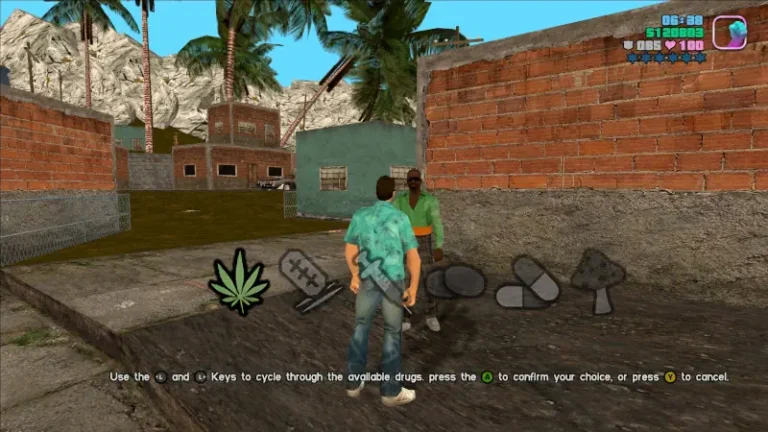
This mod doesn’t just “map keys” to a controller; it completely rewrites how the game handles input. It adds full vibration support, allows for pressure-sensitive buttons (if your hardware supports it), and—most importantly—overhauls the UI. Gone are the generic “Button 1” prompts; they are replaced by crisp Xbox or PlayStation button icons that feel like they belonged there since 2002.
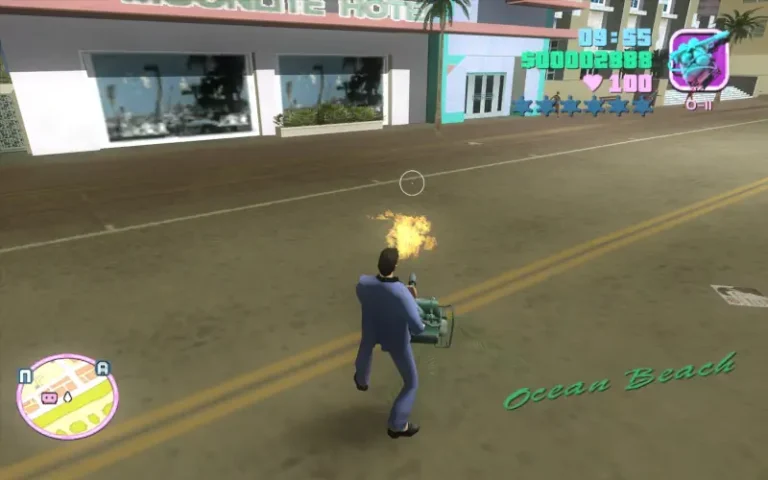
From a code perspective, GInput is a masterpiece of stability. It’s an .asi plugin that works in tandem with other essential fixes like SilentPatch. We picked it because it eliminates the need for external mapping software like DS4Windows or Steam Input wrappers, providing a “plug and play” experience that is both lightweight and robust. It’s the difference between fighting the controls and actually enjoying the drive down Ocean Drive.
🎯 Target Audience
- Play this if: You want to use an Xbox, PlayStation, or generic modern controller with full vibration and correct button icons.
- Similar to: GInput for GTA III and San Andreas, SilentPatch, Classic Axis, SkyGfx.
- Featured on: The Ultimate GTA Vice City Classic Guide: Best Mods, Must-Have Tools & Essential Fixes, tagged as essential.
🛠️ How to Install GInput Guide
- Ensure you have the Ultimate ASI Loader or SilentPatch installed (specifically the
dinput8.dll). - Download the GInput archive and extract
GInputVC.asiandGInputVC.iniinto your game root directory. - (Optional) Choose your preferred button icons from the
modelsfolder provided in the download and place them in the game’smodelsfolder.
- Friction Rating: Easy.
📦 Claim Your Mod
To download GInput, use the links below:
- Primary Source: Silent’s Blog
- Official Mirror: GTAForums
- HelixPedia Pro-Tip: You can toggle between Xbox and PlayStation button prompts by editing the
GInputVC.inifile. Look for theControlsSetline—setting it to1gives you Xbox icons, while2provides PlayStation icons.